Transform Images from Reference Photos
Upload an existing image as a reference, and the AI will create a new image based on its structure, subject, composition, or visual direction.
Upload a photo, describe your changes, and our AI image generator creates a new image fast.
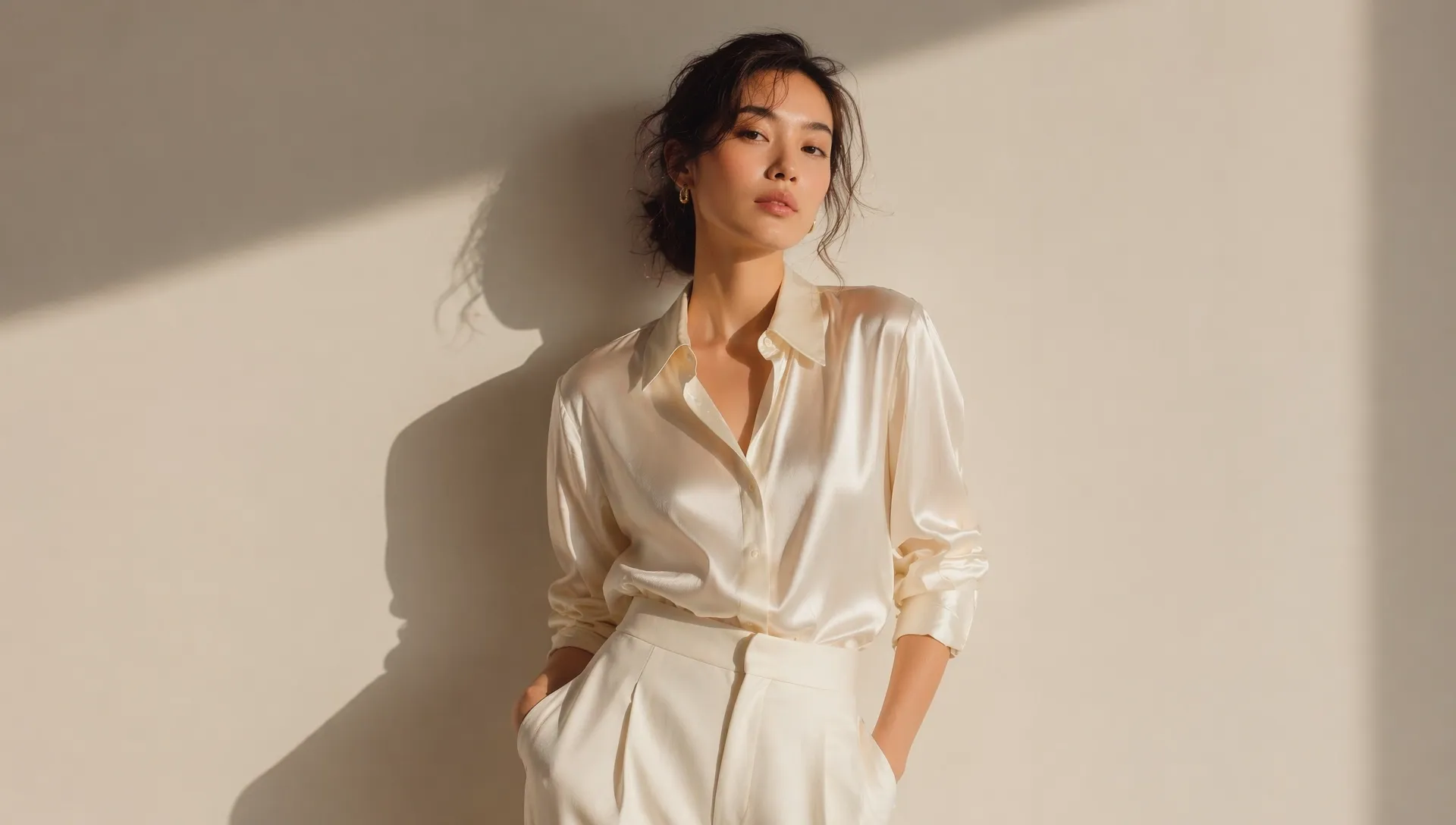
Upload an existing image as a reference, and the AI will create a new image based on its structure, subject, composition, or visual direction.
Describe the changes you want, such as a new style, background, color, lighting, object, or mood, and let AI turn your prompt into a fresh visual result.
Create multiple image versions from the same reference, compare different results, adjust your prompt, upscale the image, and download the final version.
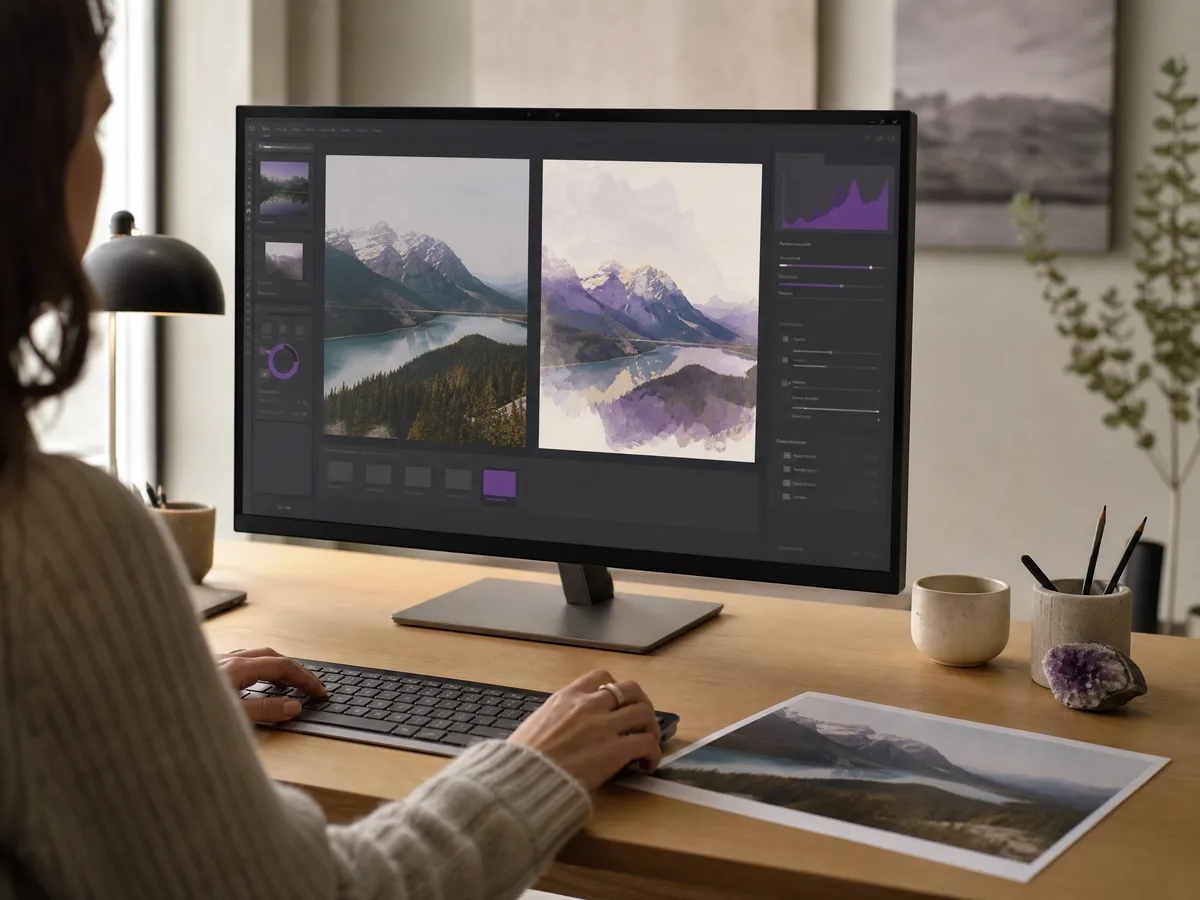
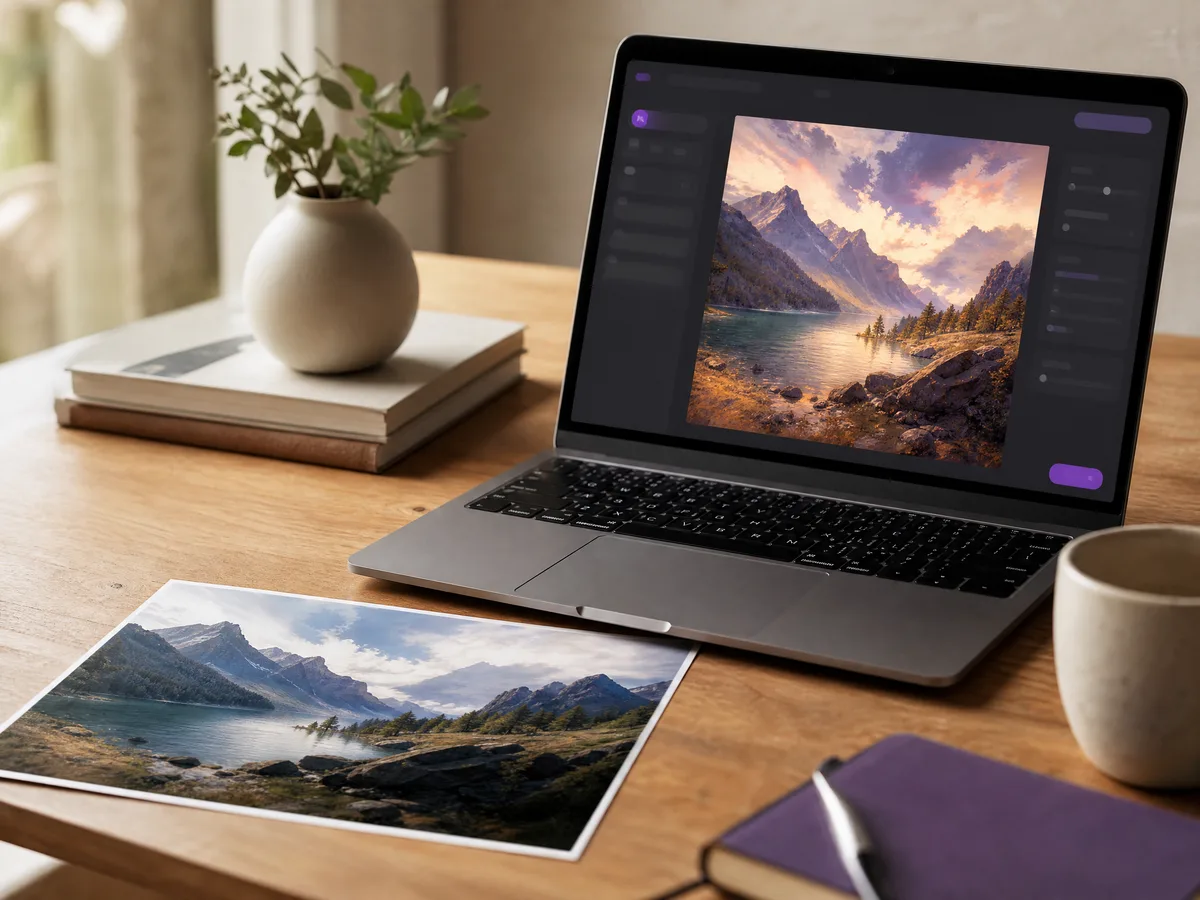
Turn one photo into a new AI-generated image while keeping the original idea, subject, or composition as the starting point.
Create Now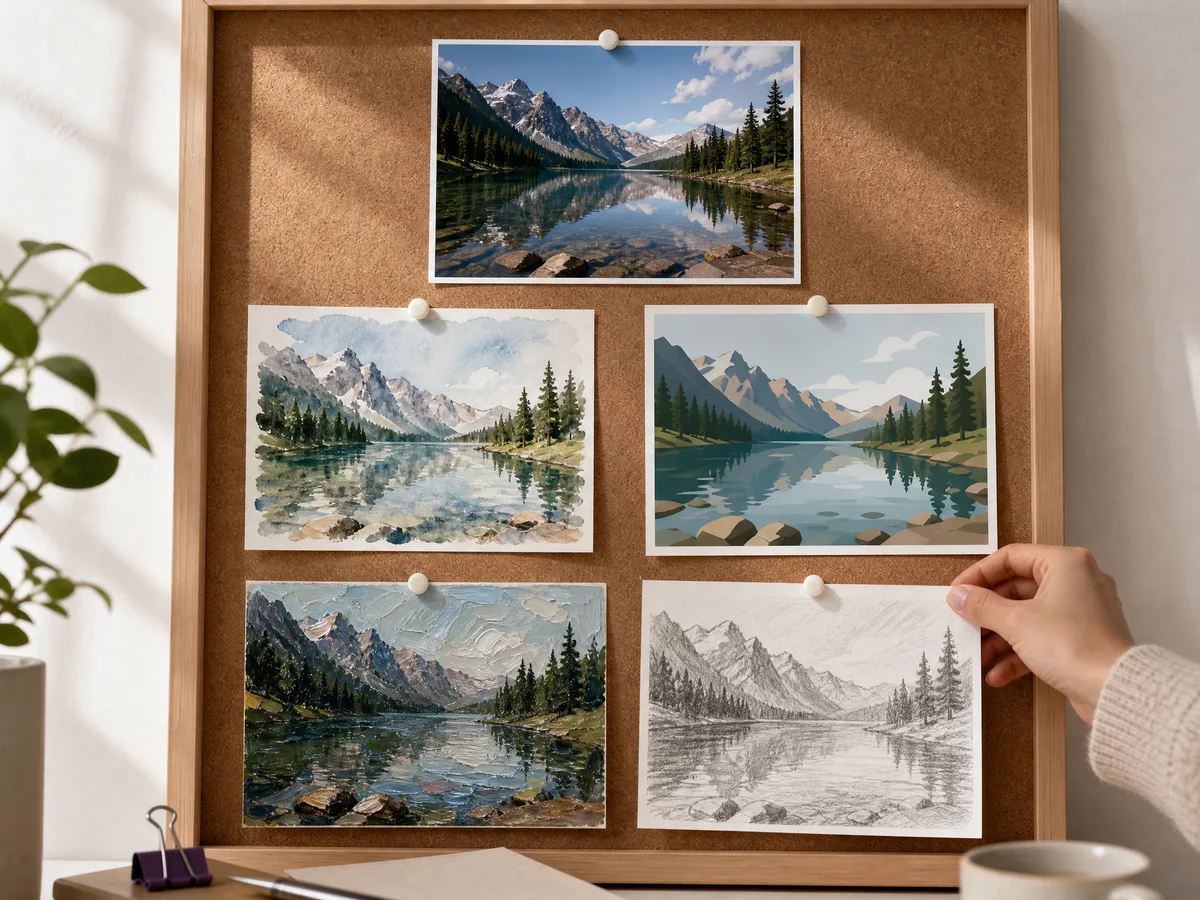
Convert images into different visual styles, including realistic, illustration, anime, 3D, concept art, sketch, painting, and other creative looks.
Create Now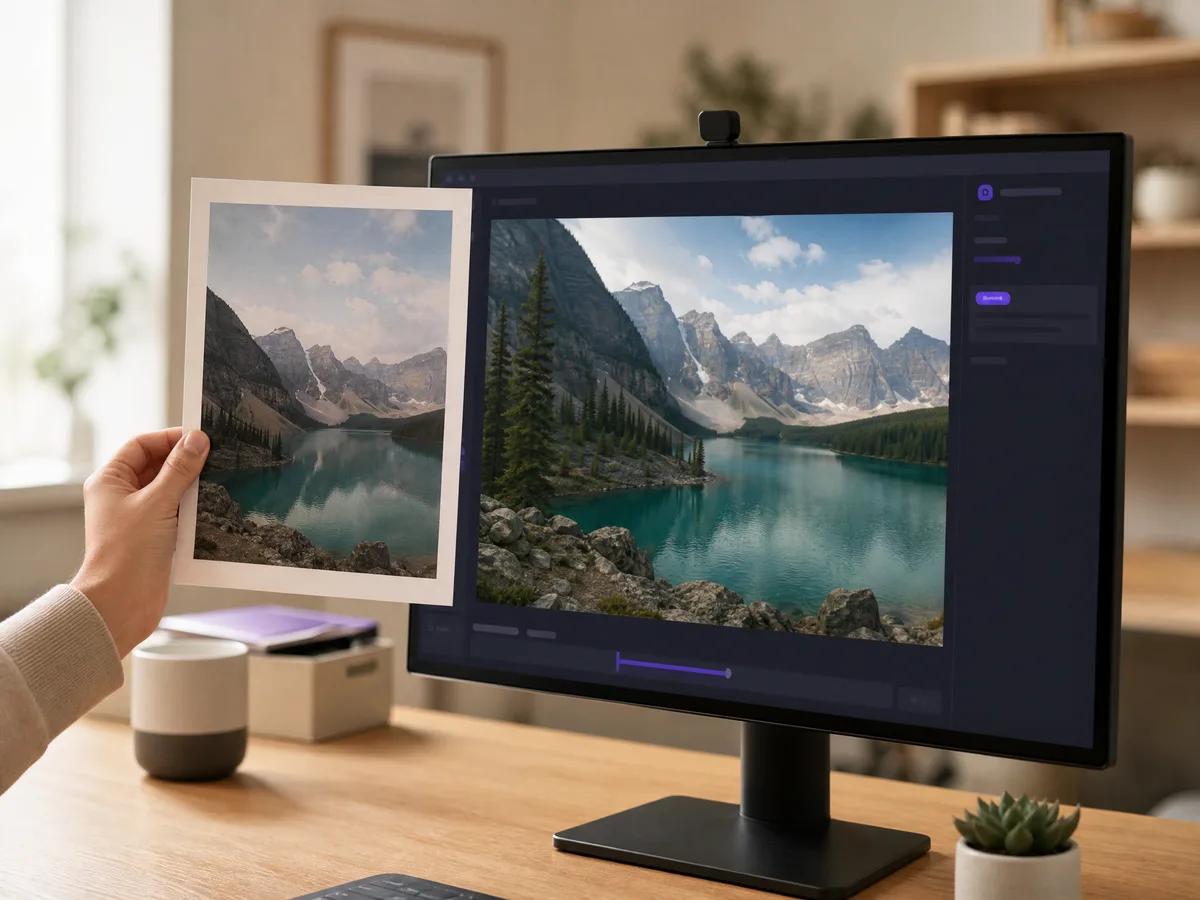
Instead of starting from a blank text prompt, you can upload a reference image to guide the AI and get results that better match your intended direction.
Create Now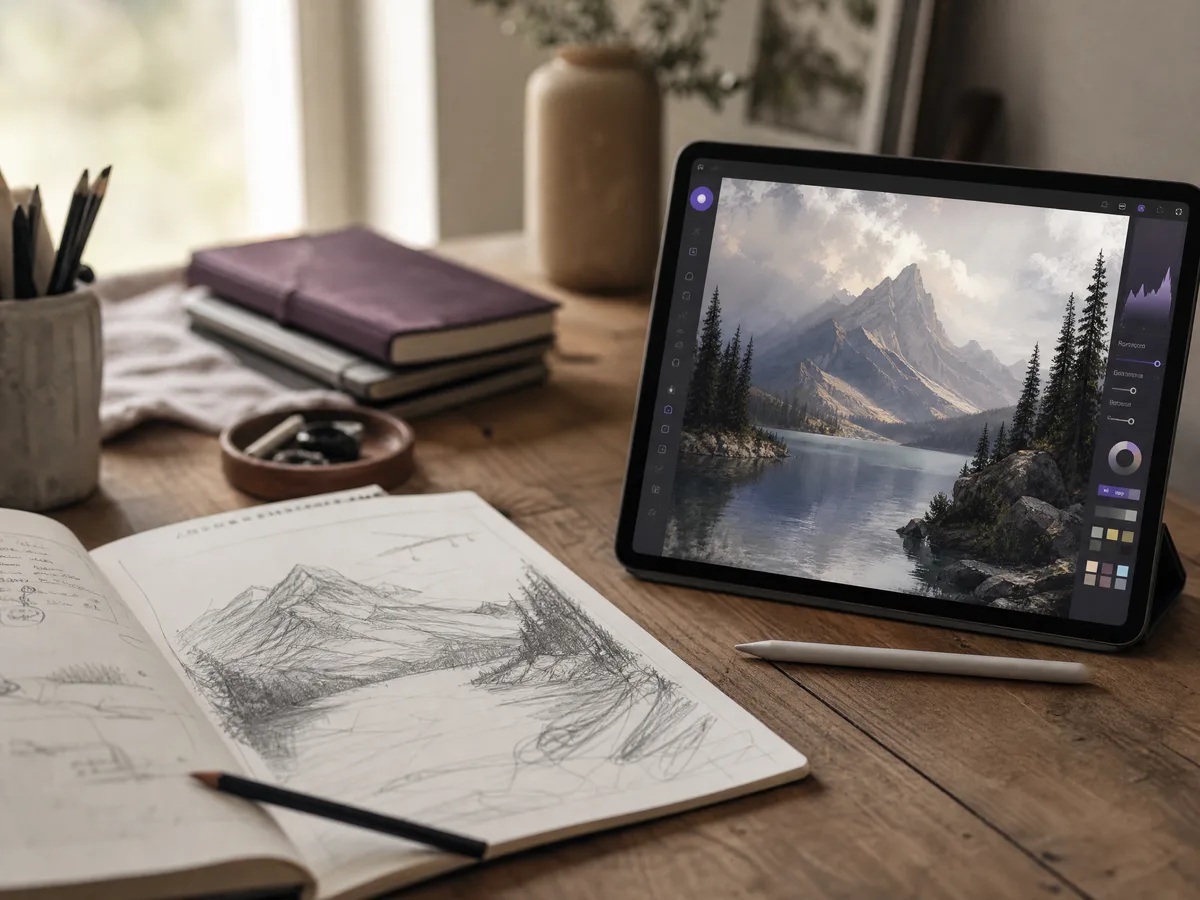
Use image to image generation to refine rough ideas, enhance existing visuals, test new creative directions, or quickly create alternative versions.
Create NowA reference image gives the AI a clear starting point, making it easier to preserve the subject, layout, and visual structure you already like.
Image to image AI helps you transform the look of a photo while keeping important details recognizable, such as faces, objects, poses, or composition.
Upload, describe, generate, and save in one browser-based workflow. No complex editing software or professional design skills are required.
If an image generation fails, it does not cost credits. You can test different prompts, styles, and visual directions with less risk.
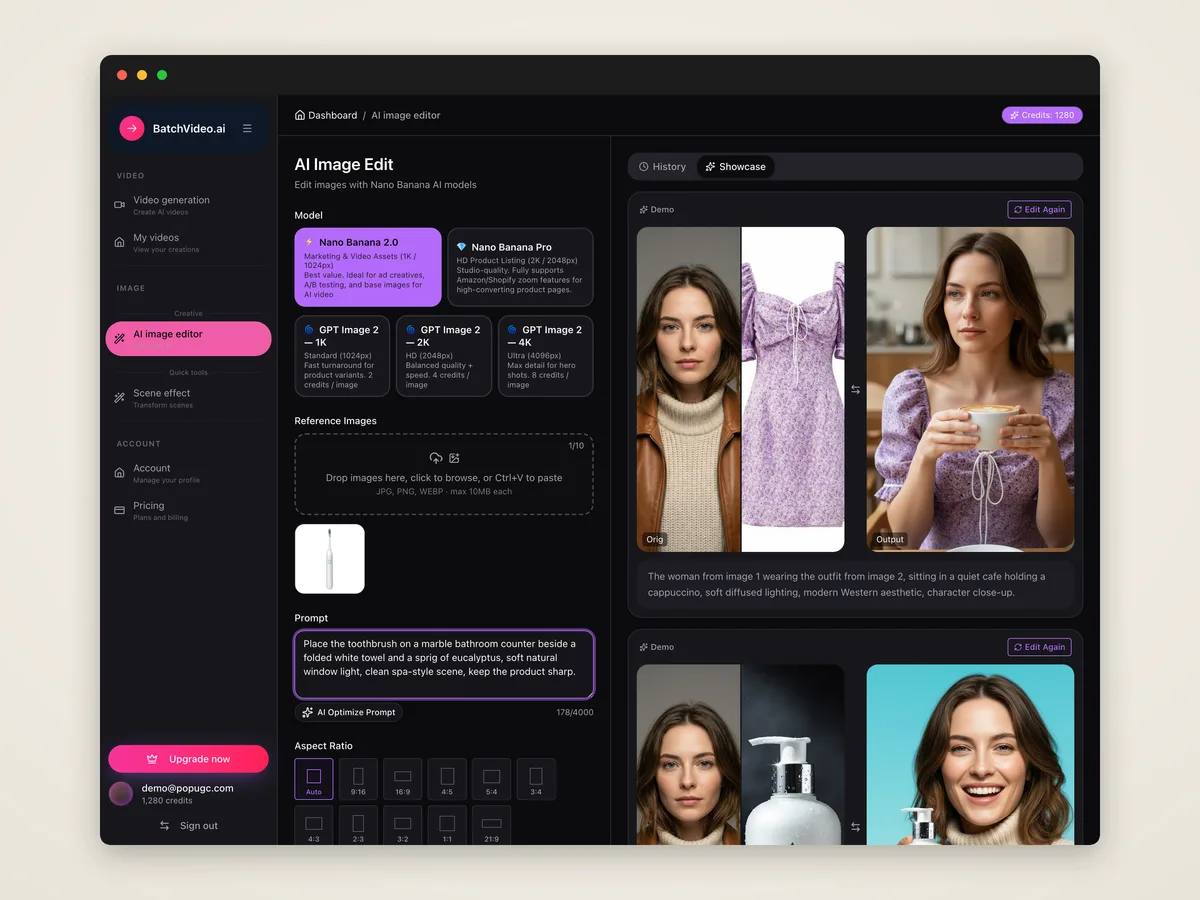
Choose the photo or picture you want to transform. Clear images with good lighting and visible subjects usually give the AI better guidance.
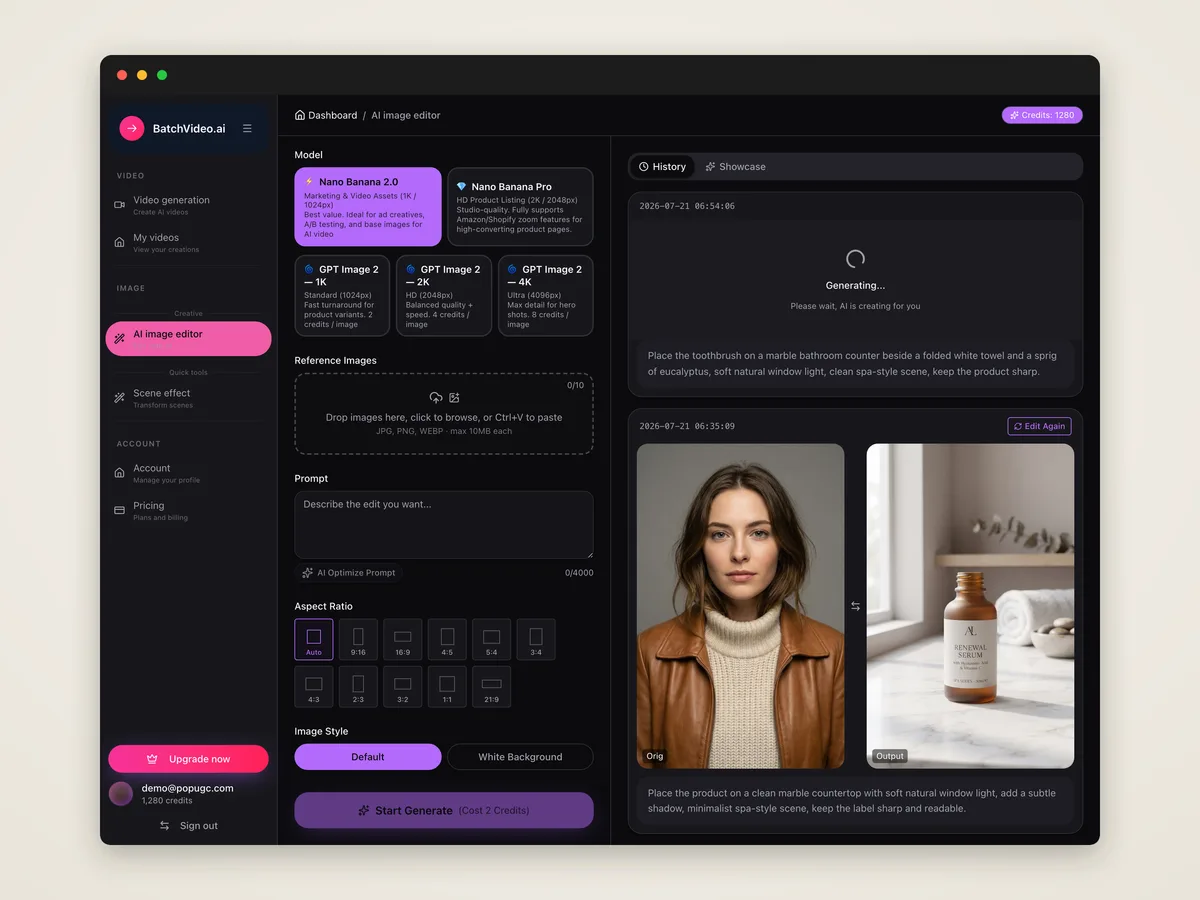
Write a prompt that explains the new style, background, details, colors, or mood you want the AI to create from your original image.
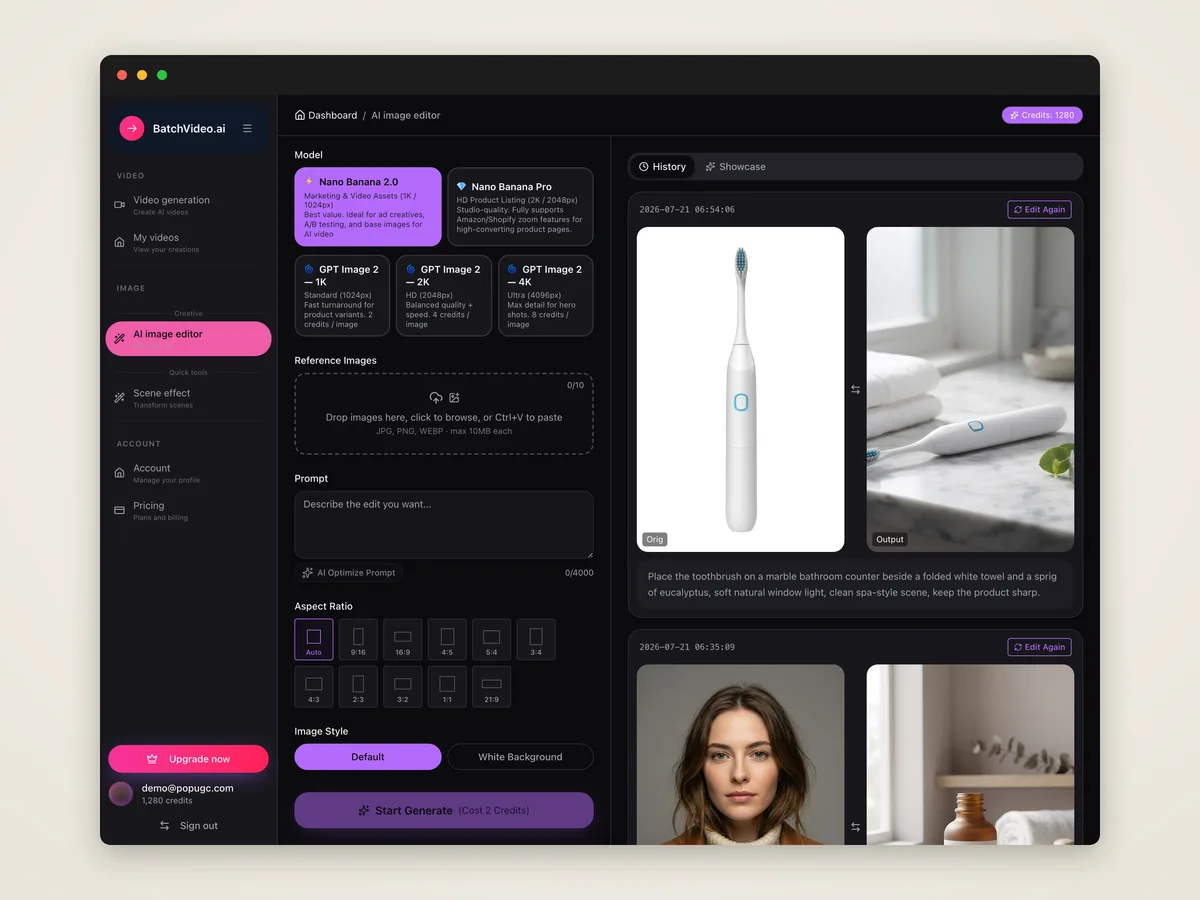
Generate your new image, review the results, refine your prompt if needed, then upscale and download the version you want to keep.
An AI image to image generator is a tool that creates a new image from an existing image. You upload a reference photo, add a prompt, and the AI transforms it into a new visual.
Image to image AI uses your uploaded image as a visual reference, then follows your text prompt to change the style, details, background, mood, or overall look of the result.
Yes. You can upload an existing image and use it as the starting point for a new AI-generated image, instead of creating from text alone.
Yes. You can restyle a photo into realistic art, anime, illustration, 3D, painting, sketch, concept art, or other visual styles by describing the result you want.
A detailed prompt usually gives better results, but you do not need complex prompt engineering. Start with the change you want, then add style, color, lighting, and mood details.
Yes, the uploaded image helps the AI understand the subject and structure. The final result may vary depending on your prompt and how much transformation you request.
Yes. You can generate different versions from the same reference image, compare results, and keep refining your prompt until you get the look you want.
Yes. After generation, you can choose the result you like, upscale or refine it when needed, and download the final image for later use.
Yes. The tool runs online in your browser, so you can upload, transform, preview, and download images without installing extra software.
No. Failed generations cost 0 credits. You only pay for successfully generated image results.
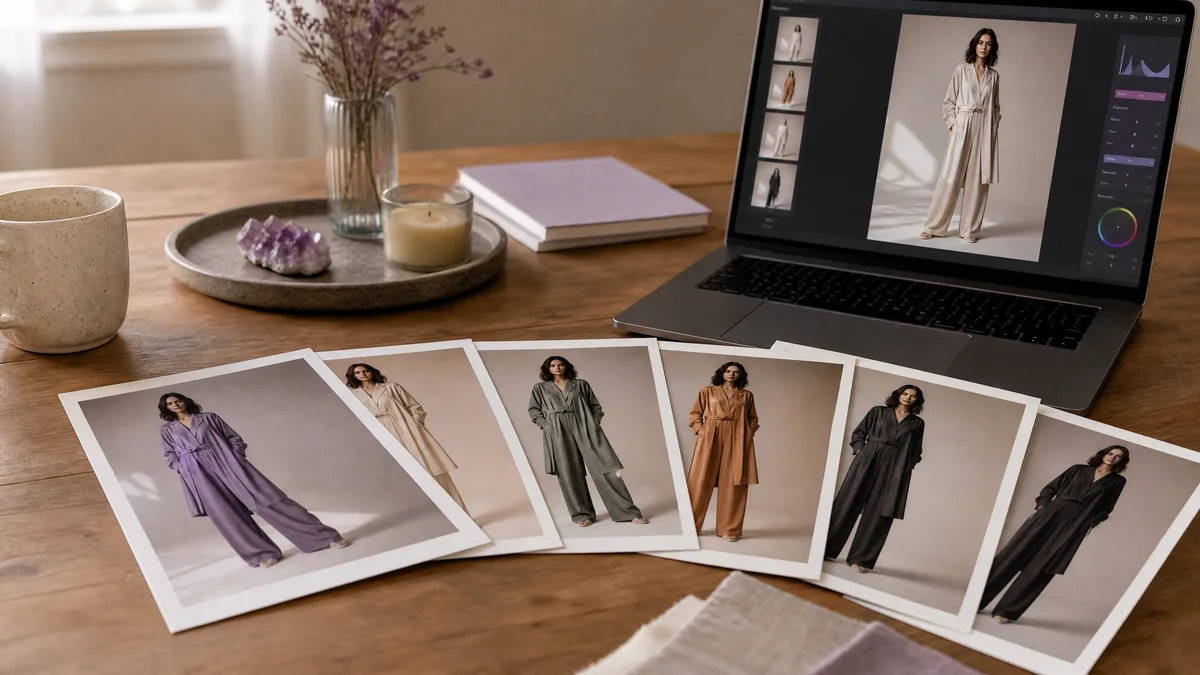
Image to image fashion work begins with the source photo, so these prompts protect the model, pose, garment silhouette, and camera angle before changing the...
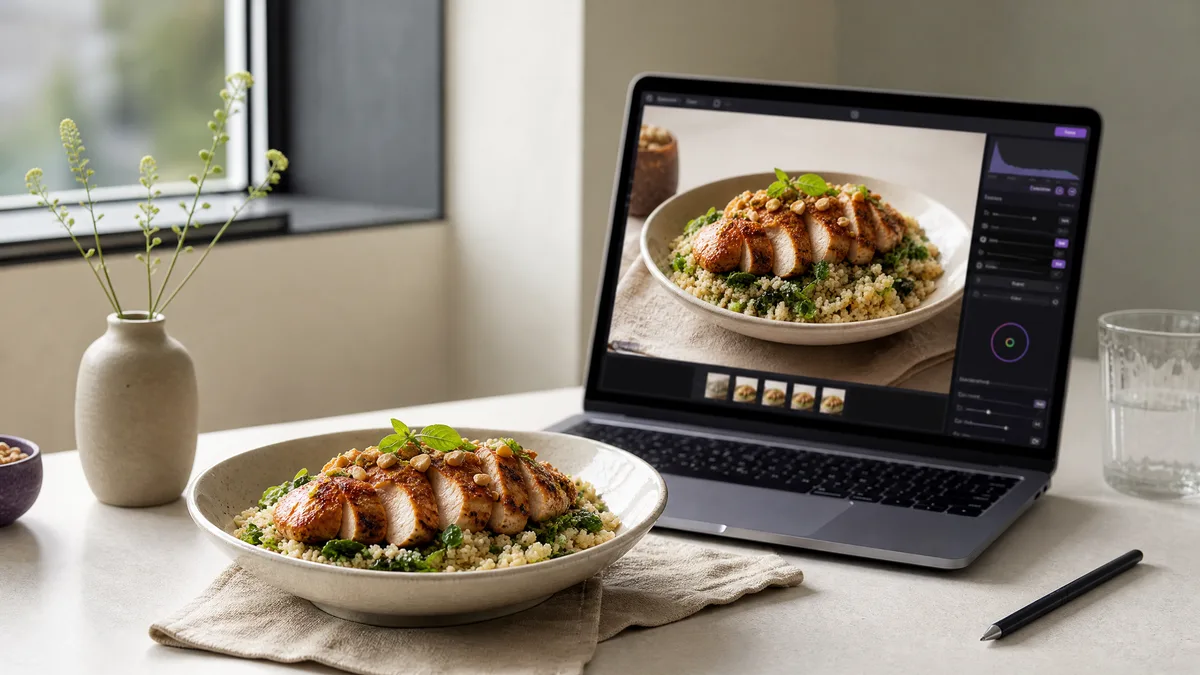
For food photo edits, the source image already defines the dish, portion, plate, and viewpoint. These image to image prompts preserve those essentials while...
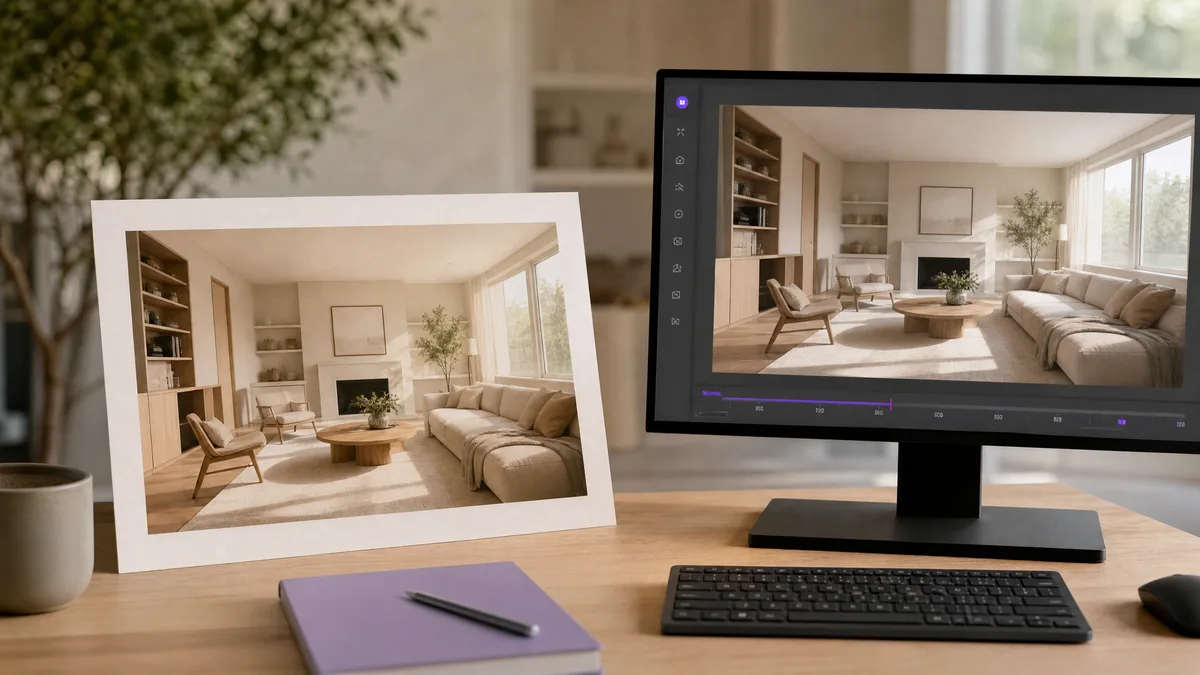
Architecture and interior source images benefit from restrained motion rather than structural rewrites. These image to video prompts preserve room layouts,...
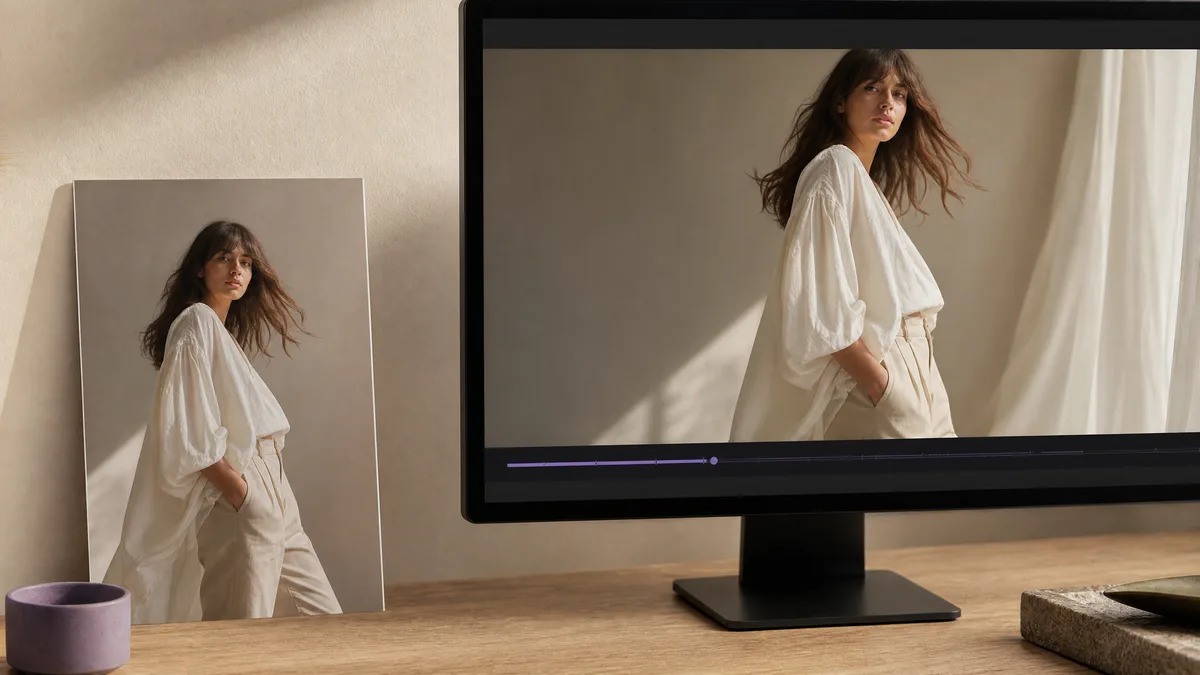
Fashion source images already contain the model, outfit, and editorial composition. These image to video prompts add restrained movement—fabric, posture,...
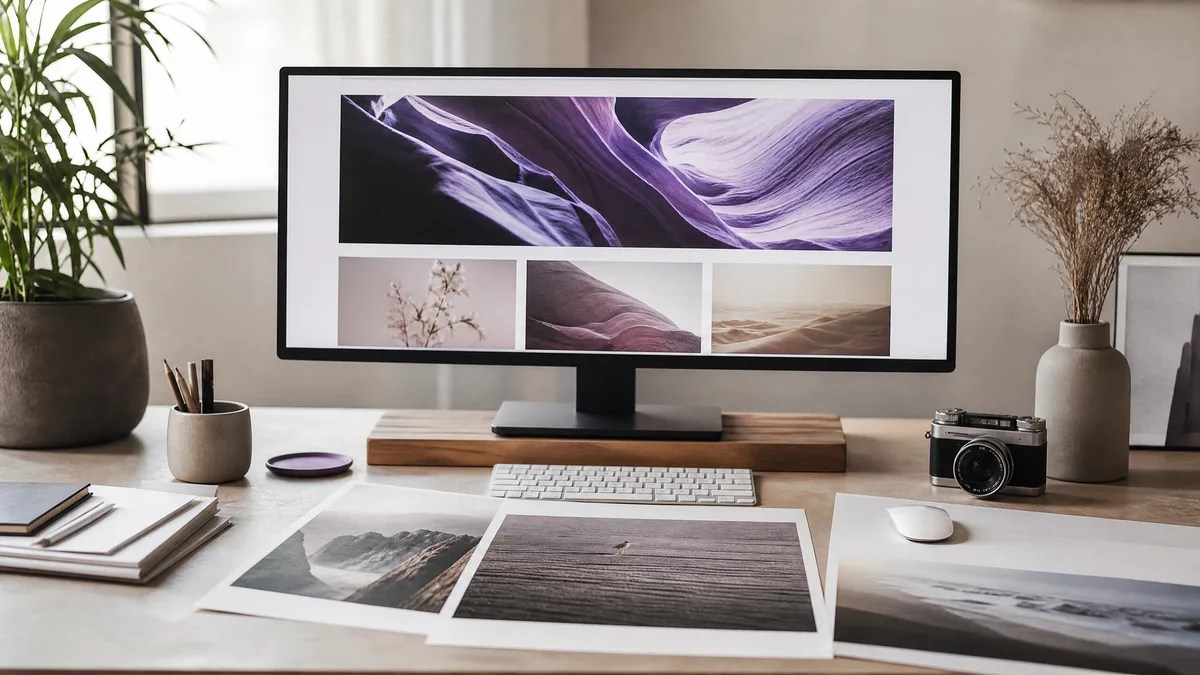
Header visuals need one clear idea, a wide composition, and usable negative space. These prompts work with text to image and AI image creator tools to...
Turn your idea into a video with just a prompt, instantly.
Get started →