Turn Text Prompts into Images
Enter a simple or detailed text prompt, and the AI will understand your subject, scene, style, and details to generate a matching image.
Describe your idea, and our AI image generator will create clear, downloadable images fast.
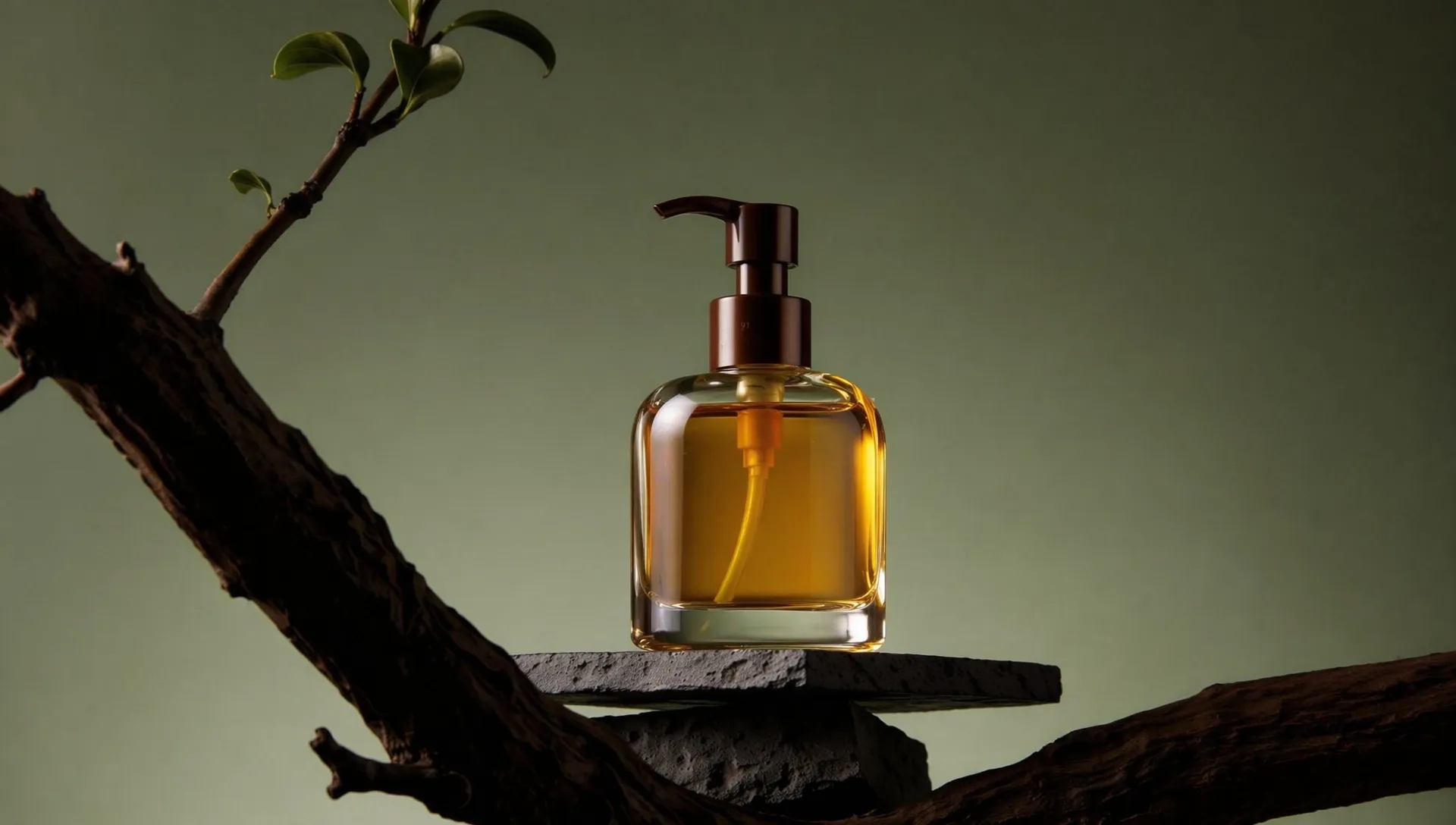
Enter a simple or detailed text prompt, and the AI will understand your subject, scene, style, and details to generate a matching image.
Generate realistic images, illustrations, anime-style art, 3D visuals, concept images, portraits, scenes, and many other types of AI pictures.
After the image is generated, you can preview the result, regenerate it, adjust your prompt, upscale the image, and save the final high-quality version.
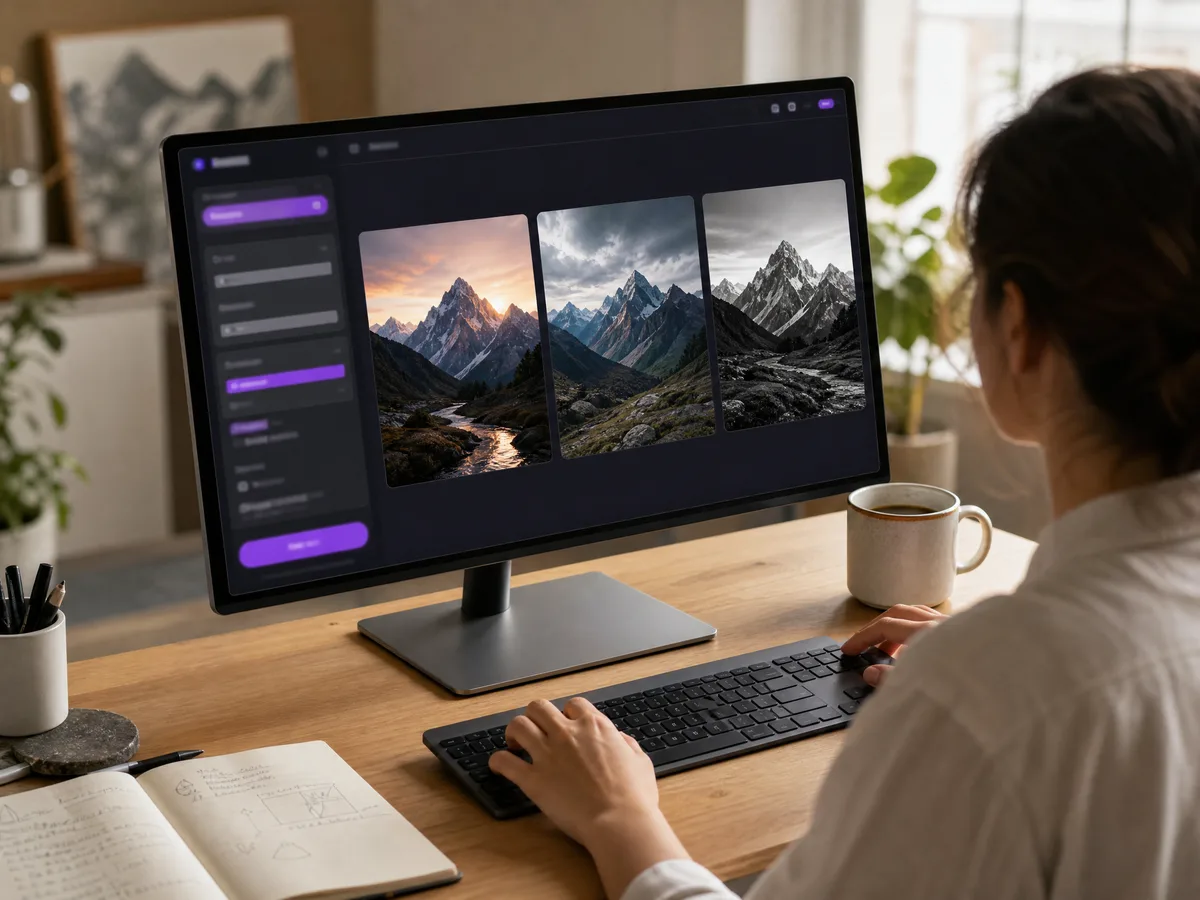
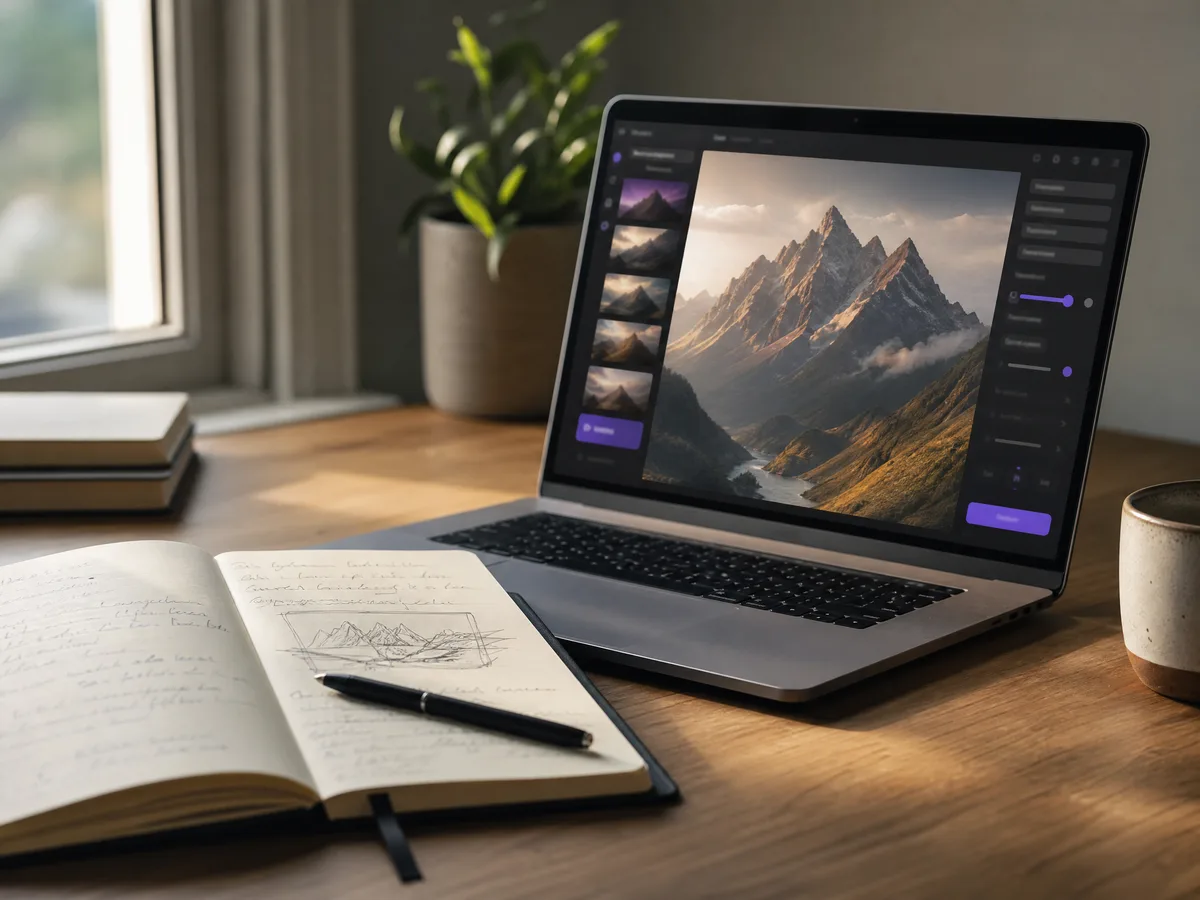
When you only have a rough idea, scene description, or creative concept, you can use text to image AI to make it visible in seconds.
Create Now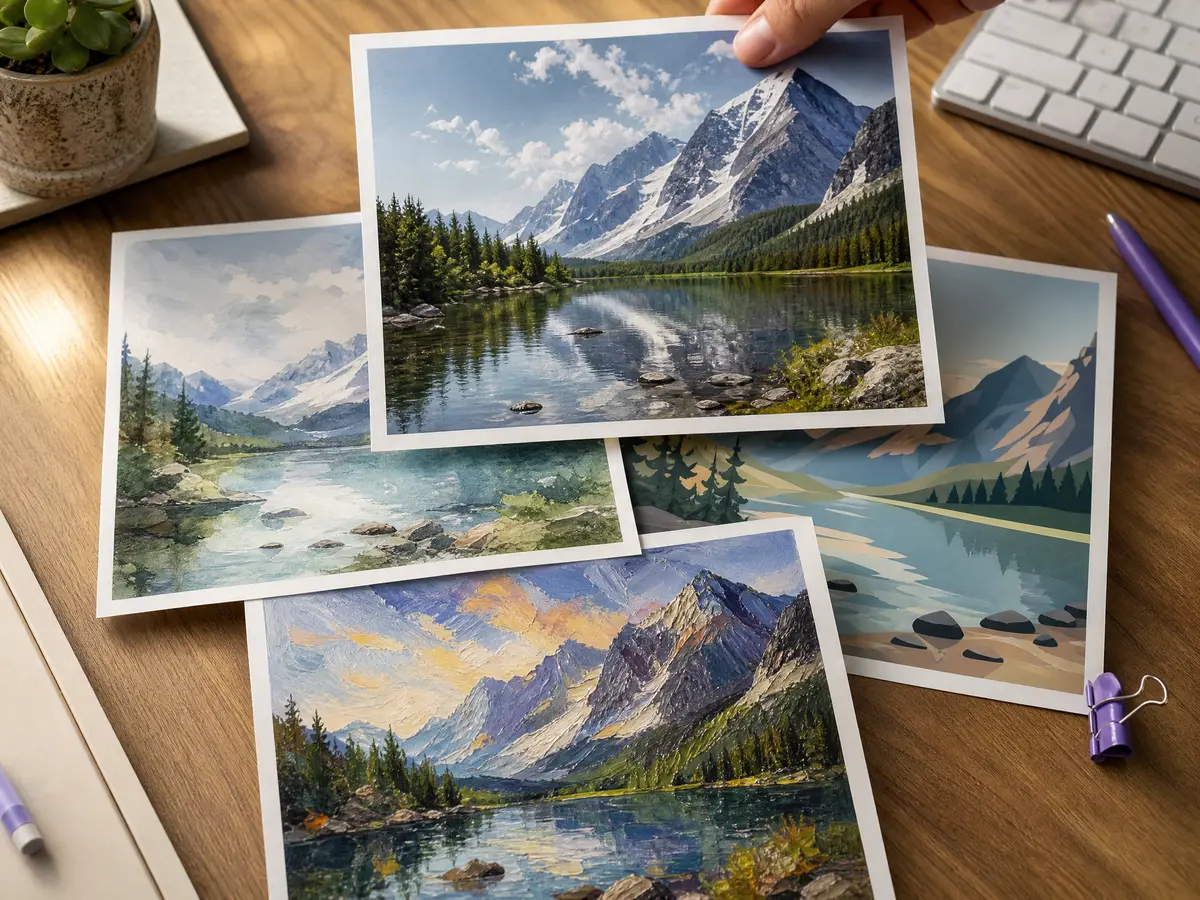
By changing the style, color, lighting, composition, and mood in your prompt, you can quickly compare different image directions.
Create Now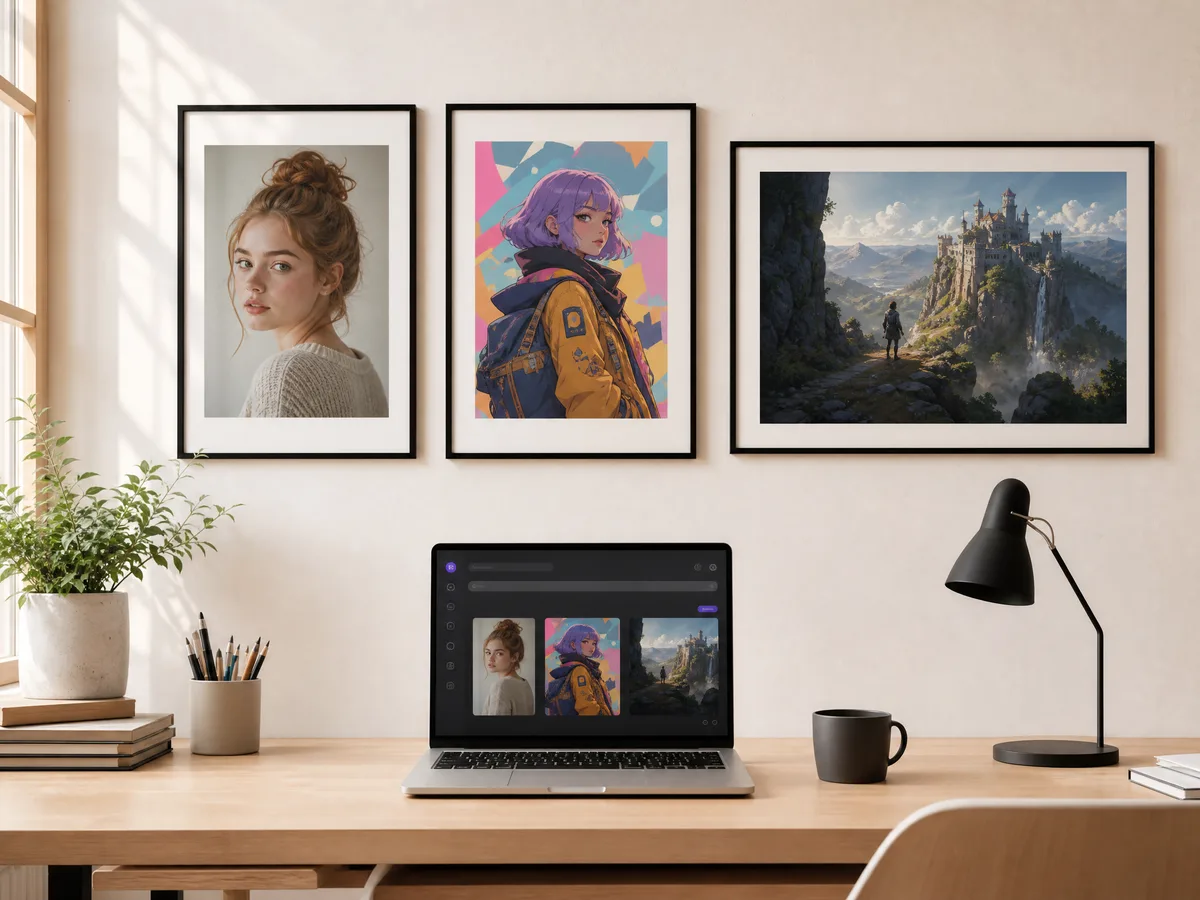
Create character portraits, story illustrations, fantasy scenes, realistic images, or simple creative visuals from your written description.
Create Now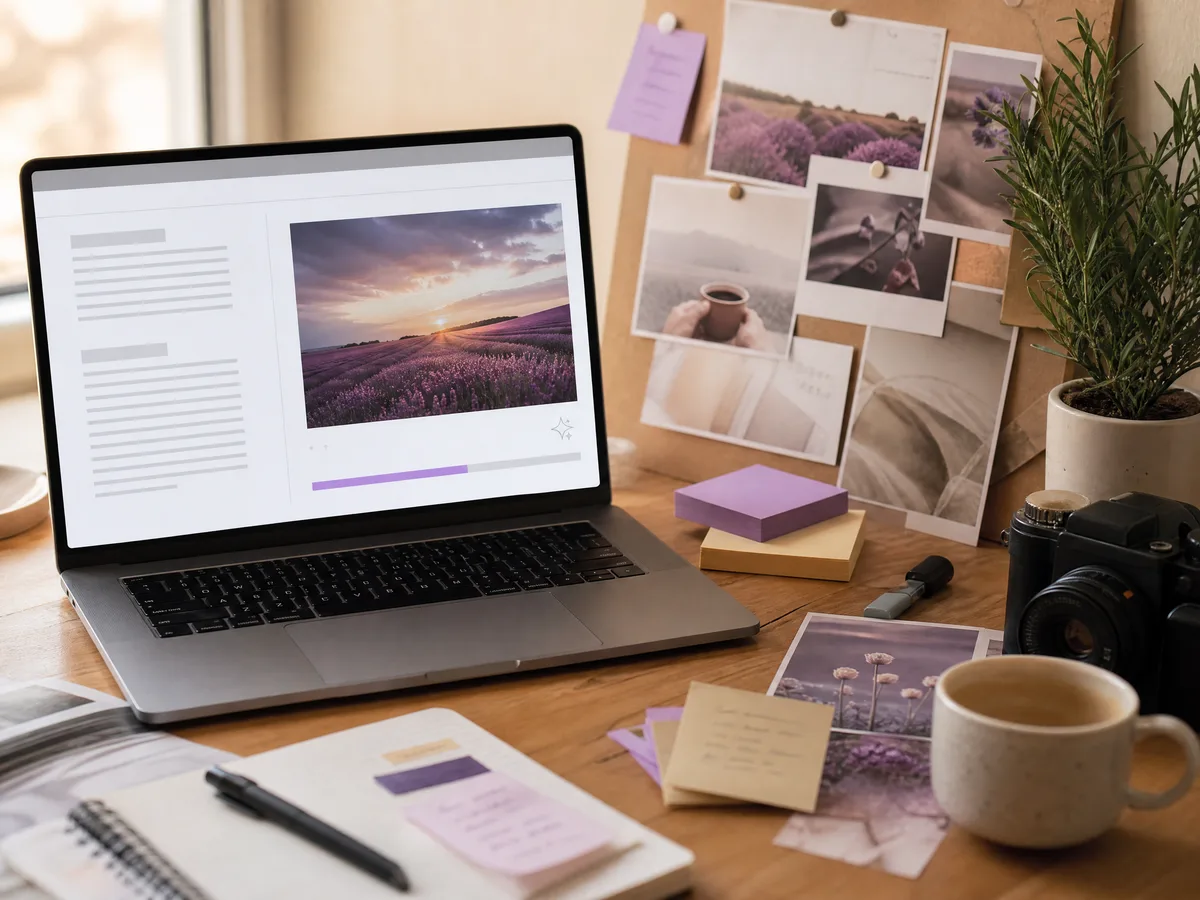
Generate topic-related images for articles, notes, presentations, video covers, social posts, and other creative content without spending time searching for stock images.
Create NowNo complex software or drawing skills are required. Open the tool, enter your prompt, and generate images directly in your browser.
You can generate multiple versions from the same idea, adjust your prompt, compare different results, and keep refining until the image feels right.
If an image generation fails, it does not cost credits. You can test different prompts, styles, and creative directions with less risk.
Generate images directly online without installing tools or learning complex design software. Just describe what you want, and the AI turns your prompt into a visual result.
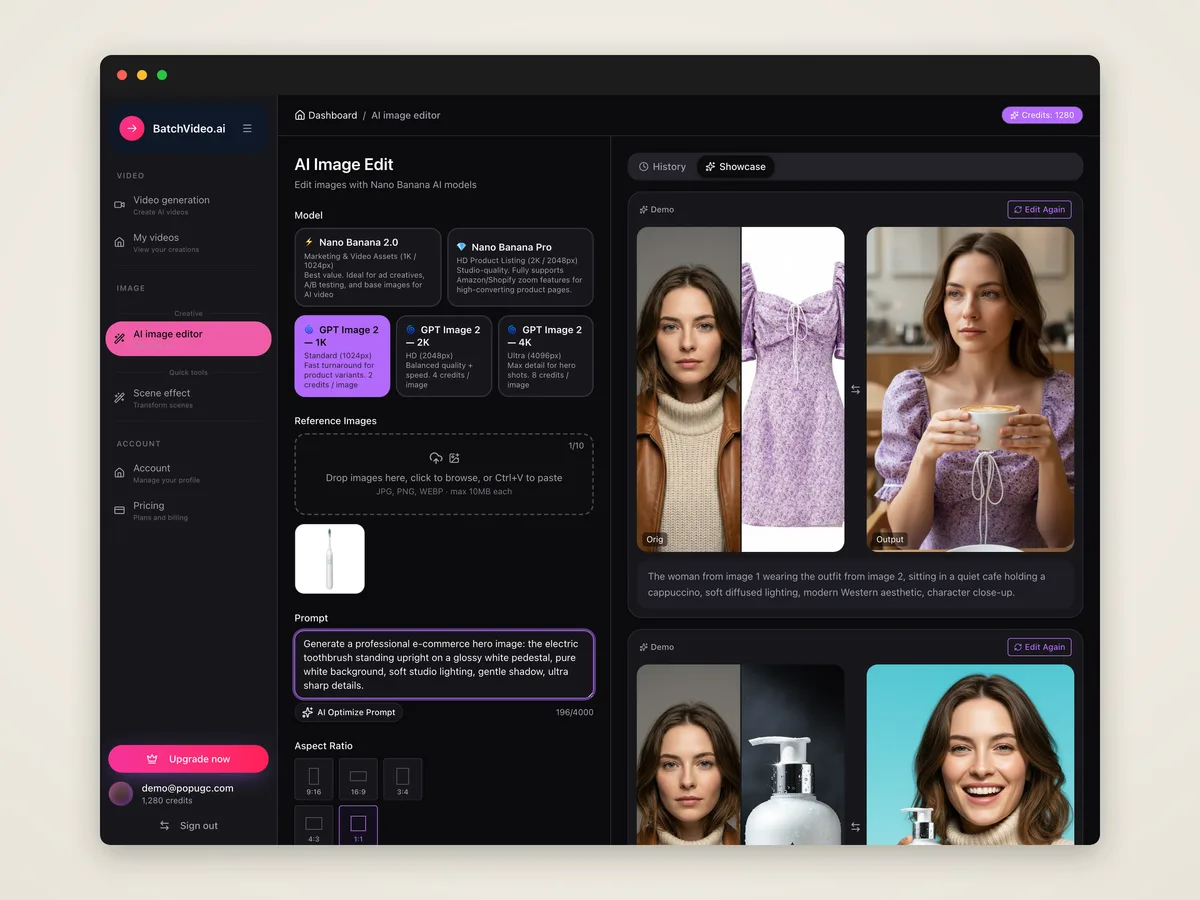
Describe the image you want to create, including the subject, scene, style, color, lighting, and composition. Clearer prompts usually lead to better results.
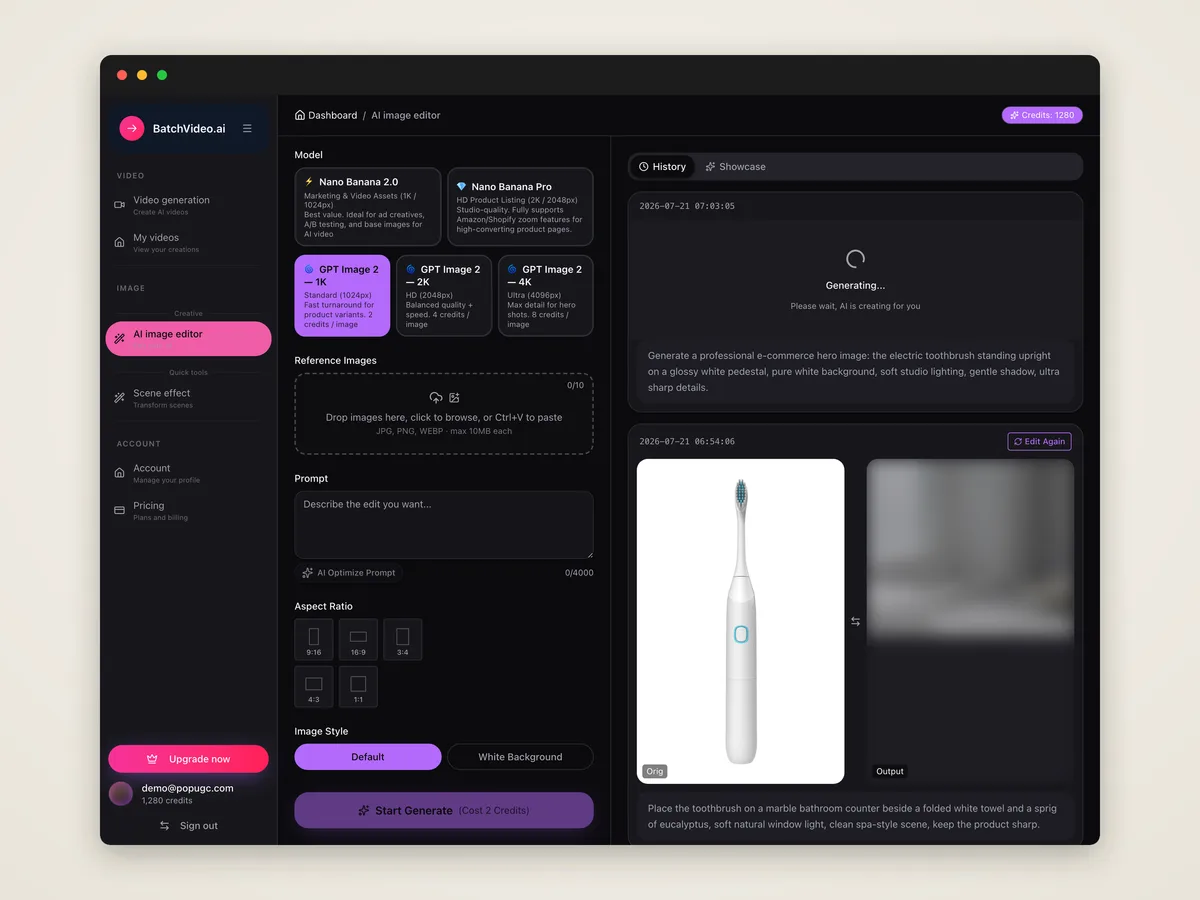
Submit your prompt, and the AI will create an image based on your text description. You can preview the result and revise your prompt if needed.
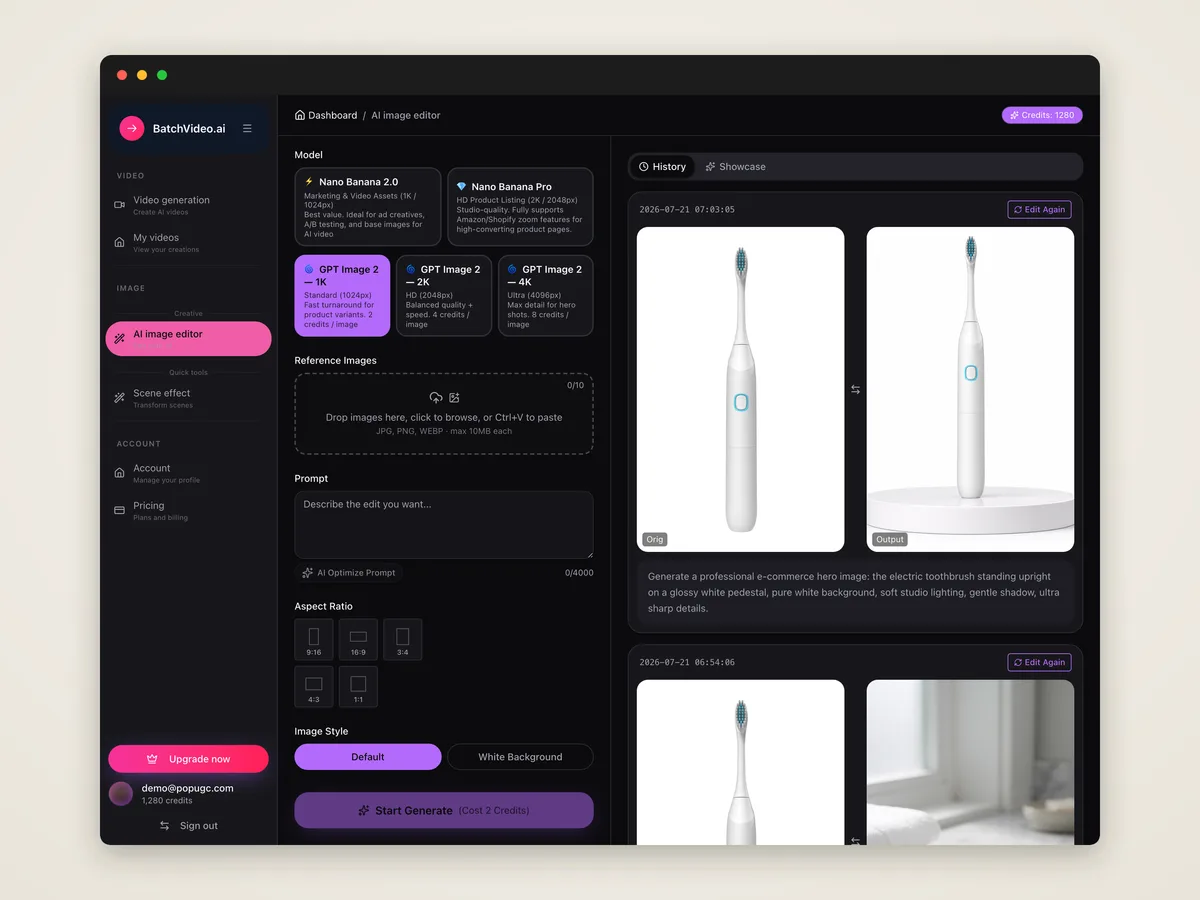
Choose the image you like, upscale or refine it, then download the high-quality version for editing, sharing, or content creation.
An AI text to image generator is a tool that creates images from written prompts. You describe what you want to see, and the AI generates a matching image.
Enter a text prompt that describes the subject, scene, style, and details of your image, then click generate. The AI will create an image based on your words.
Use full descriptions instead of only a few keywords. Add details about the subject, action, scene, style, color, lighting, camera angle, and overall mood.
You can create realistic images, illustrations, anime-style images, portraits, scenes, concept art, 3D visuals, cover images, and many other creative pictures.
No. The AI image generator is built for everyday users and creators. If you can describe the image you want, you can start generating visuals.
Yes. You can generate several versions from the same prompt, or adjust the style, details, and composition in your prompt to create new results.
Yes. After generation, you can choose the result you like and download it. You can also upscale or refine the image before saving the final version.
Yes. You can use this AI text to image tool directly in your browser without installing extra software or plugins.
No. Failed generations cost 0 credits. You only pay for successfully generated image results.
It is useful for creators, designers, students, bloggers, writers, teams, and anyone who wants to turn written ideas into images quickly.
Upload a photo, describe your changes, and our AI image generator creates a new image fast.
Upload a photo, add a motion prompt, and our AI turns it into a downloadable video.
Enter a script or prompt, and our AI video generator turns text into a downloadable video.
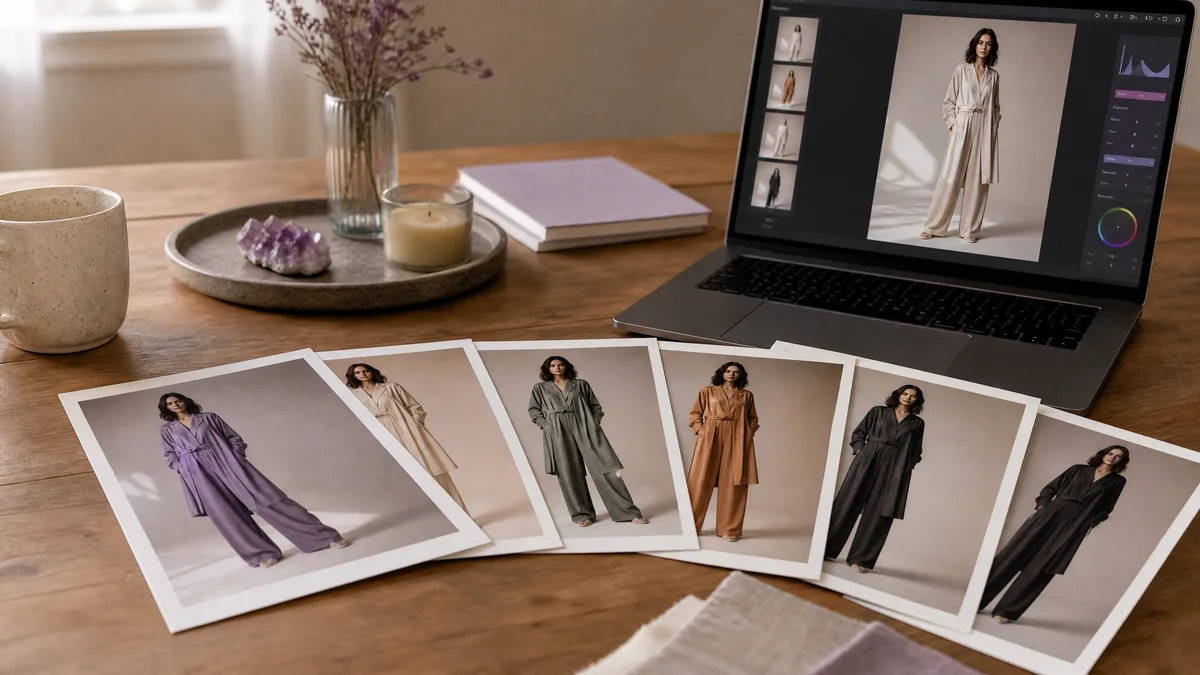
Image to image fashion work begins with the source photo, so these prompts protect the model, pose, garment silhouette, and camera angle before changing the...
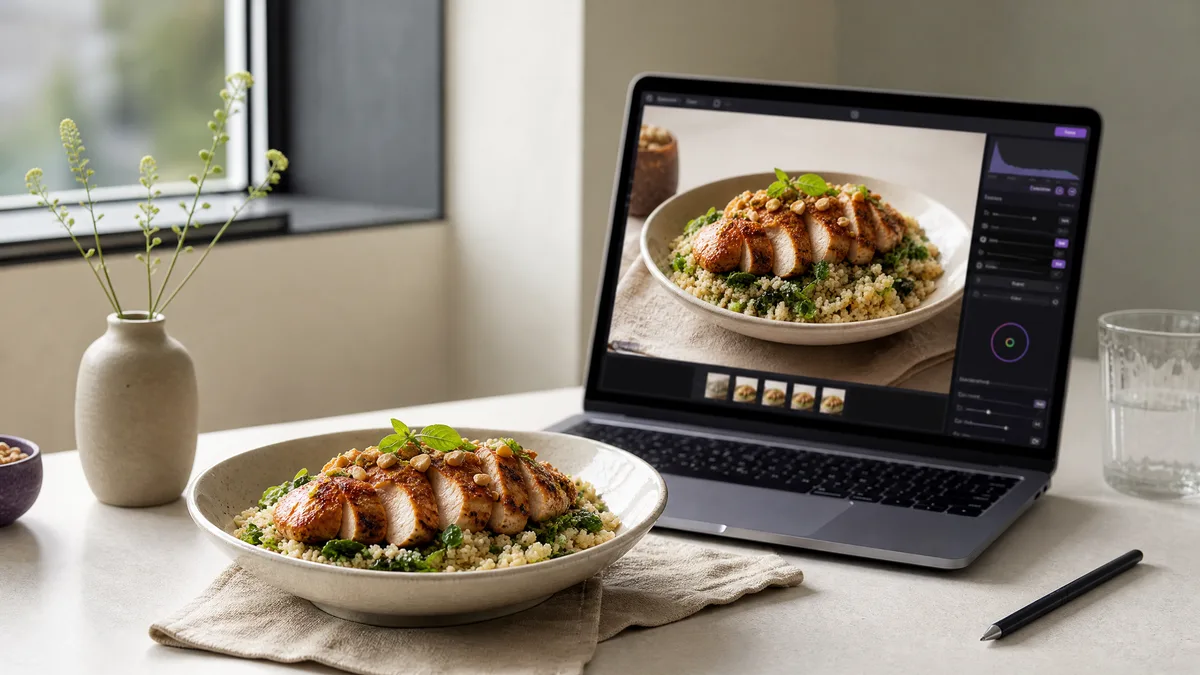
For food photo edits, the source image already defines the dish, portion, plate, and viewpoint. These image to image prompts preserve those essentials while...
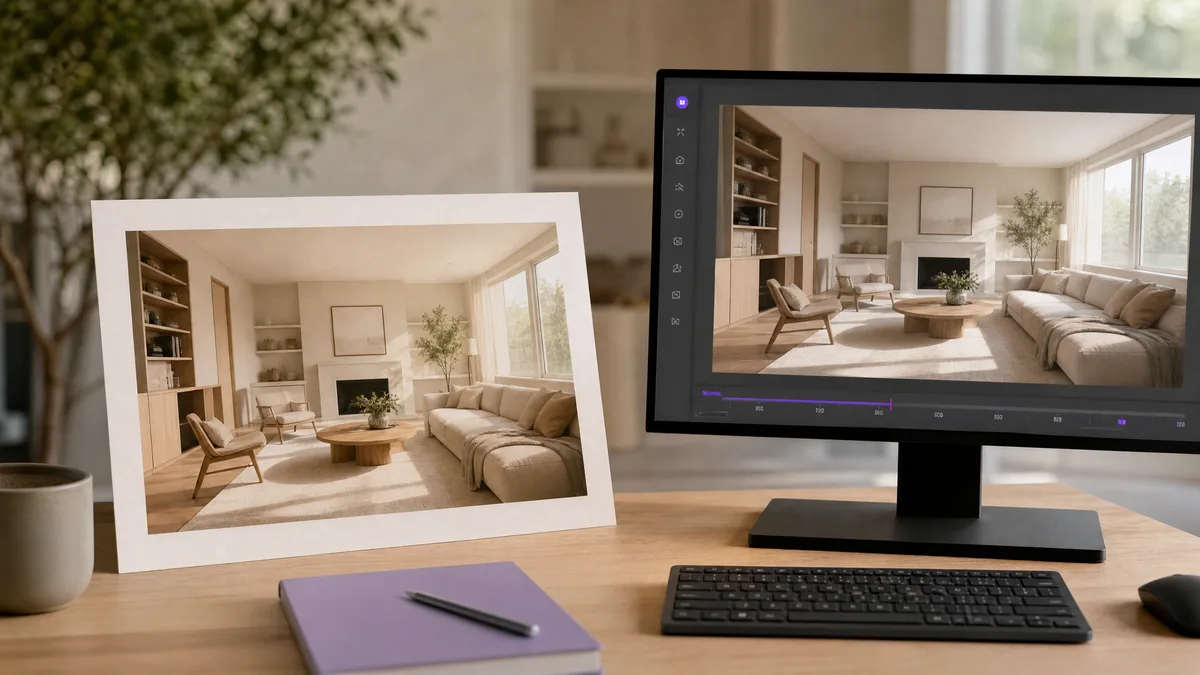
Architecture and interior source images benefit from restrained motion rather than structural rewrites. These image to video prompts preserve room layouts,...
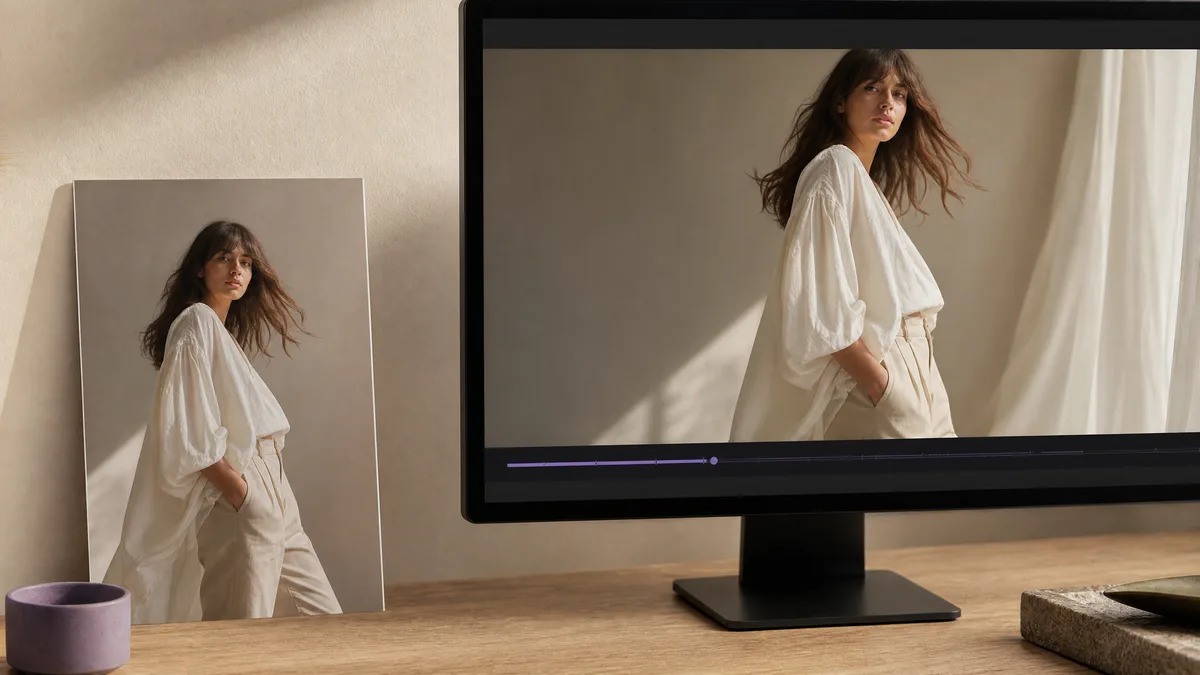
Fashion source images already contain the model, outfit, and editorial composition. These image to video prompts add restrained movement—fabric, posture,...
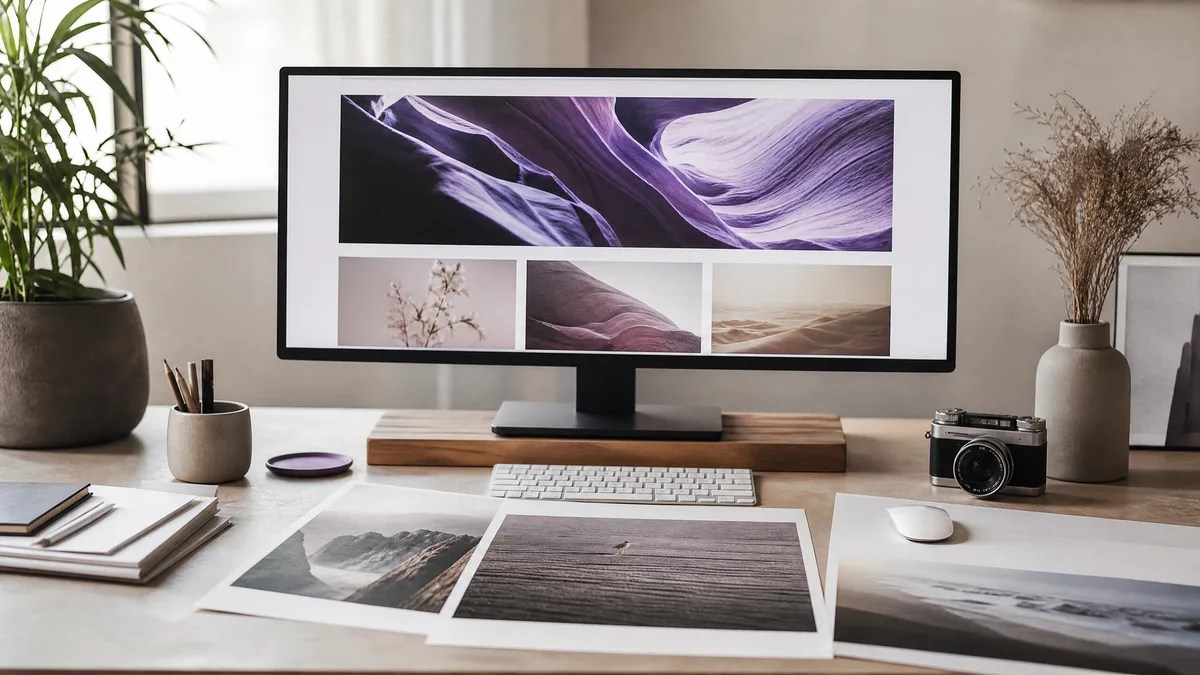
Header visuals need one clear idea, a wide composition, and usable negative space. These prompts work with text to image and AI image creator tools to...
Turn your idea into a video with just a prompt, instantly.
Get started →