Turn Still Images into Videos
Upload a photo, picture, or AI-generated image, and turn it into a moving video clip with realistic motion, camera movement, and visual flow.
Upload a photo, add a motion prompt, and our AI turns it into a downloadable video.
Upload a photo, picture, or AI-generated image, and turn it into a moving video clip with realistic motion, camera movement, and visual flow.
Describe how the image should move, including subject action, camera direction, lighting changes, mood, atmosphere, and scene details.
Generate your video from an image, preview the result, adjust your motion prompt if needed, and download the final clip for editing or sharing.
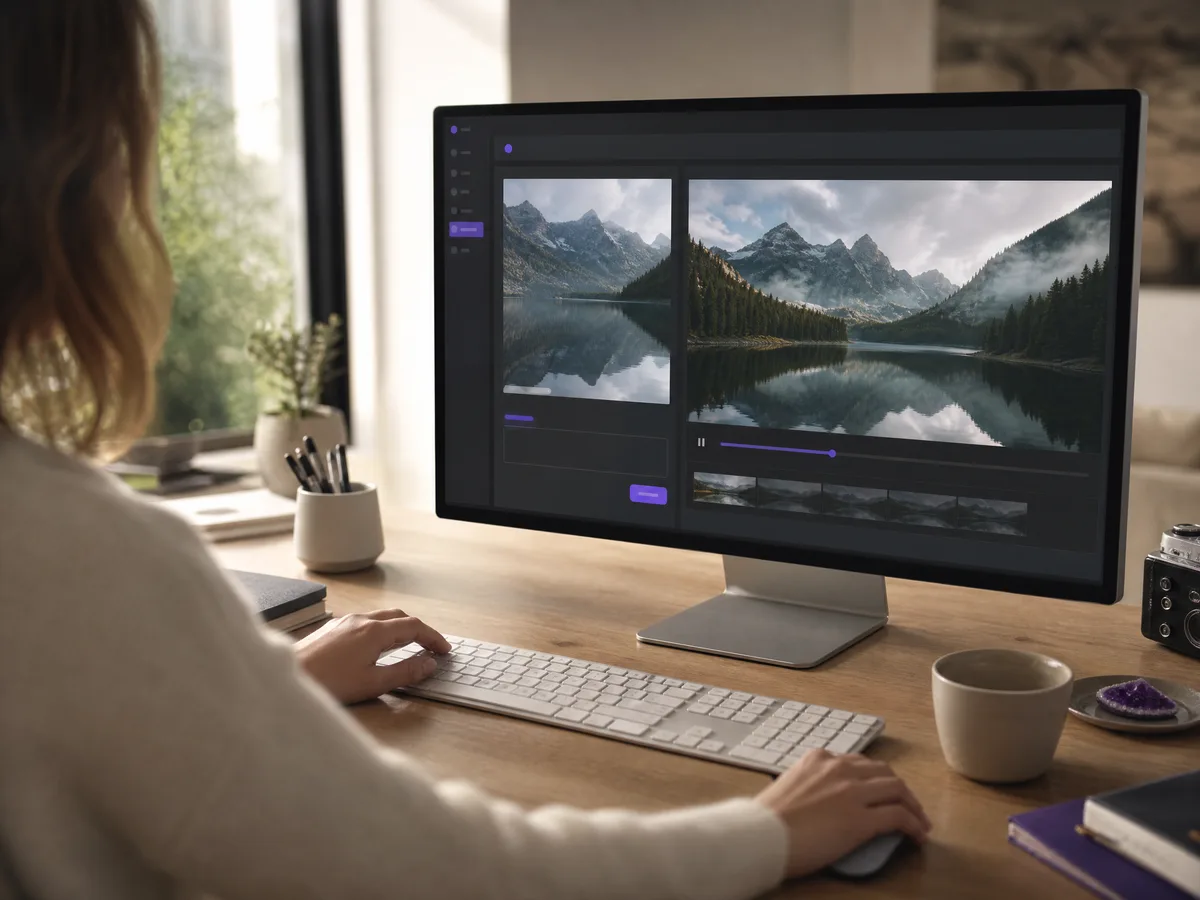
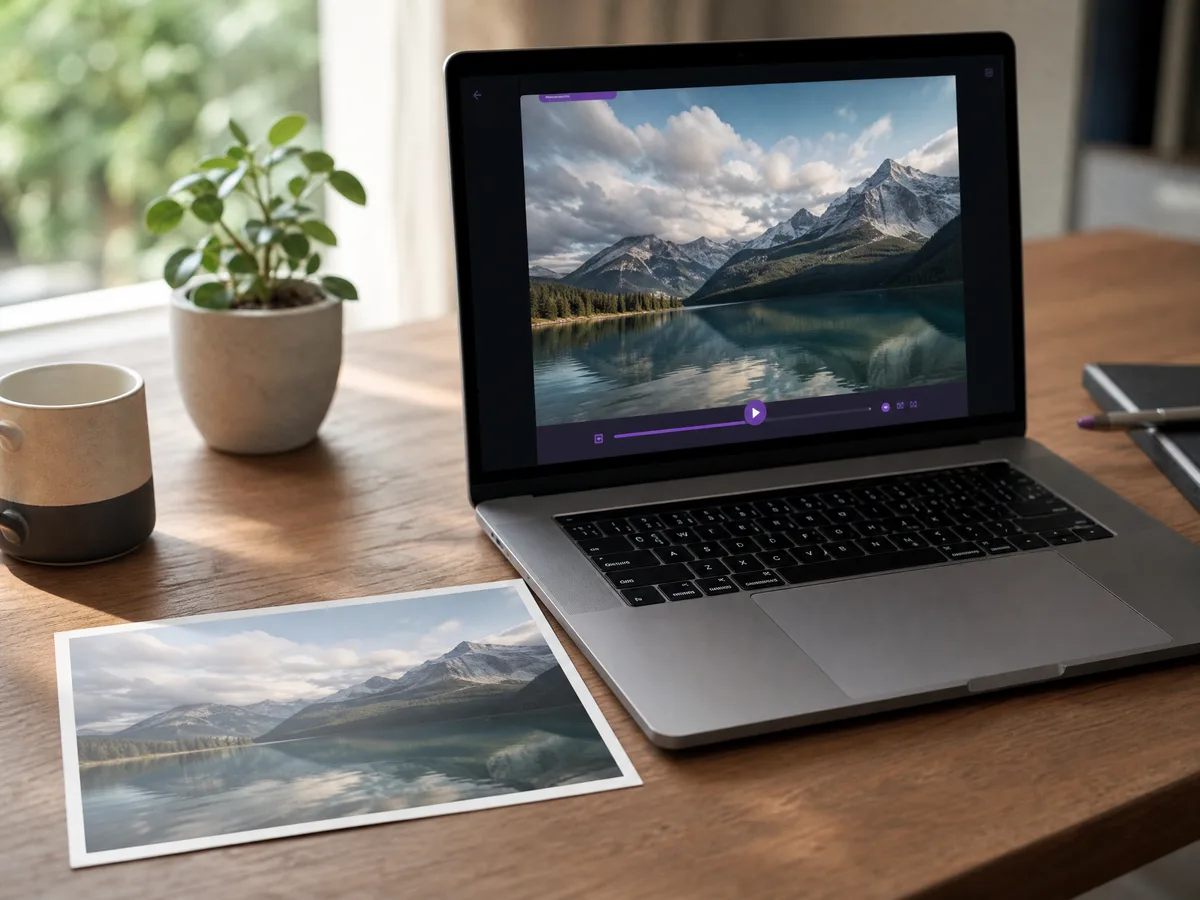
Bring static images to life by adding motion, depth, camera movement, and natural visual changes to a single photo or picture.
Create Now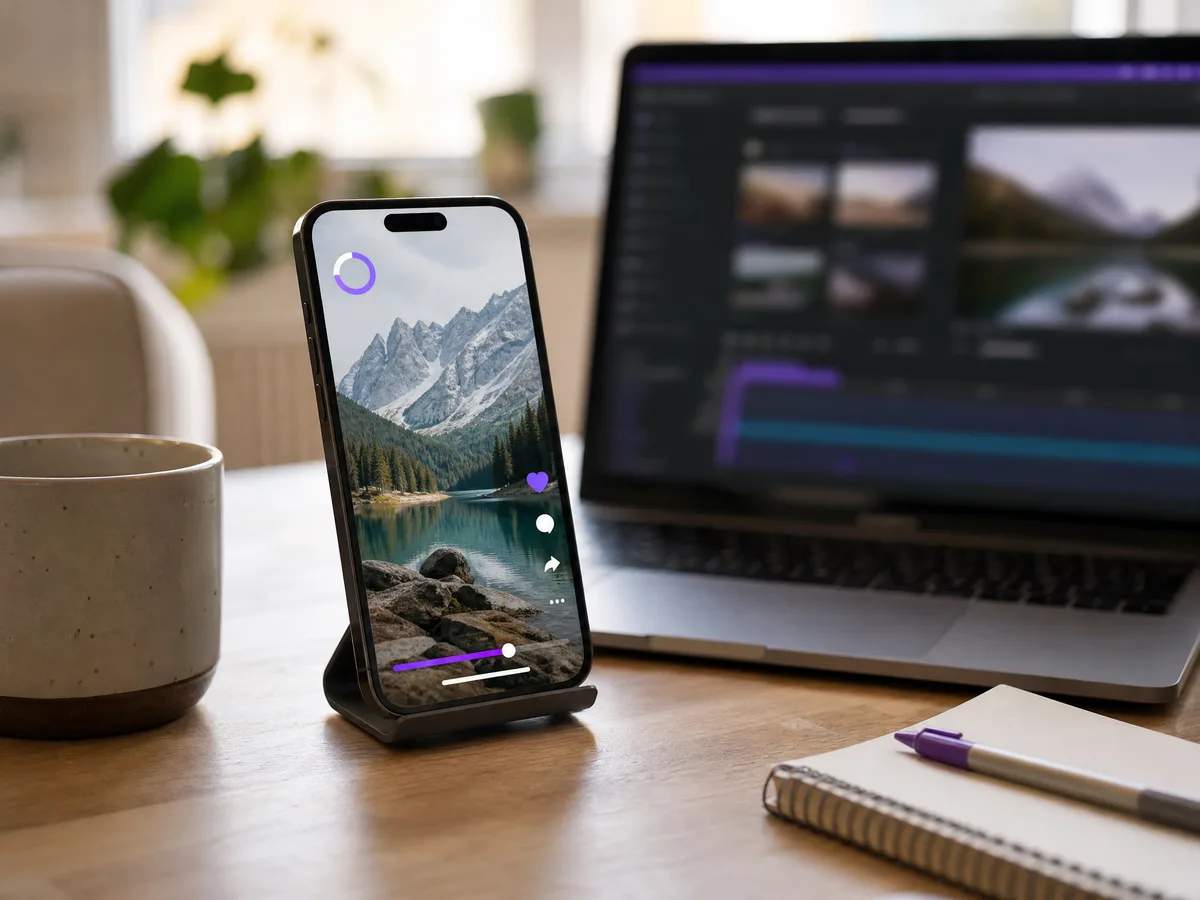
Turn a still image into a short video clip for creative projects, visual drafts, social content, presentations, or storytelling ideas.
Create Now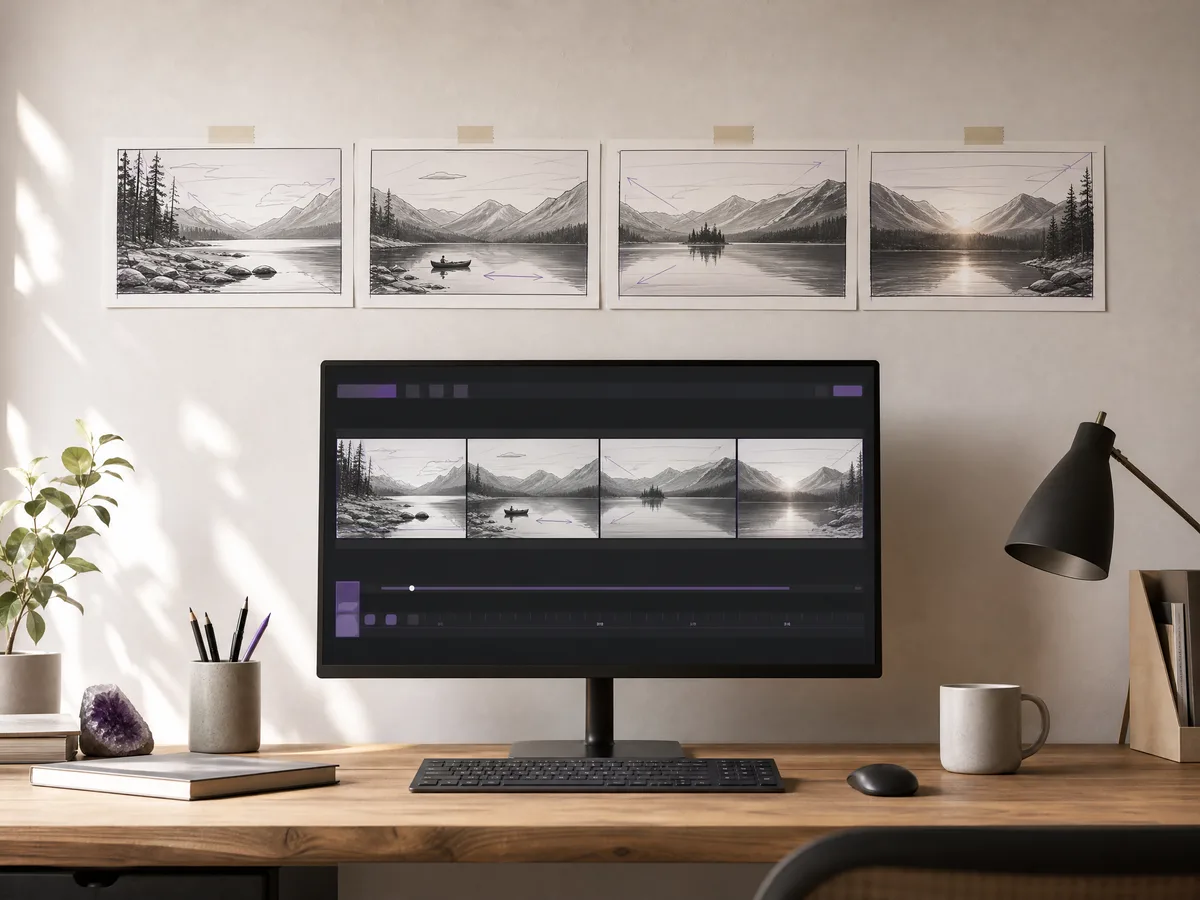
Use image to video AI to test timing, motion, framing, and atmosphere before producing a longer video or more complete visual sequence.
Create Now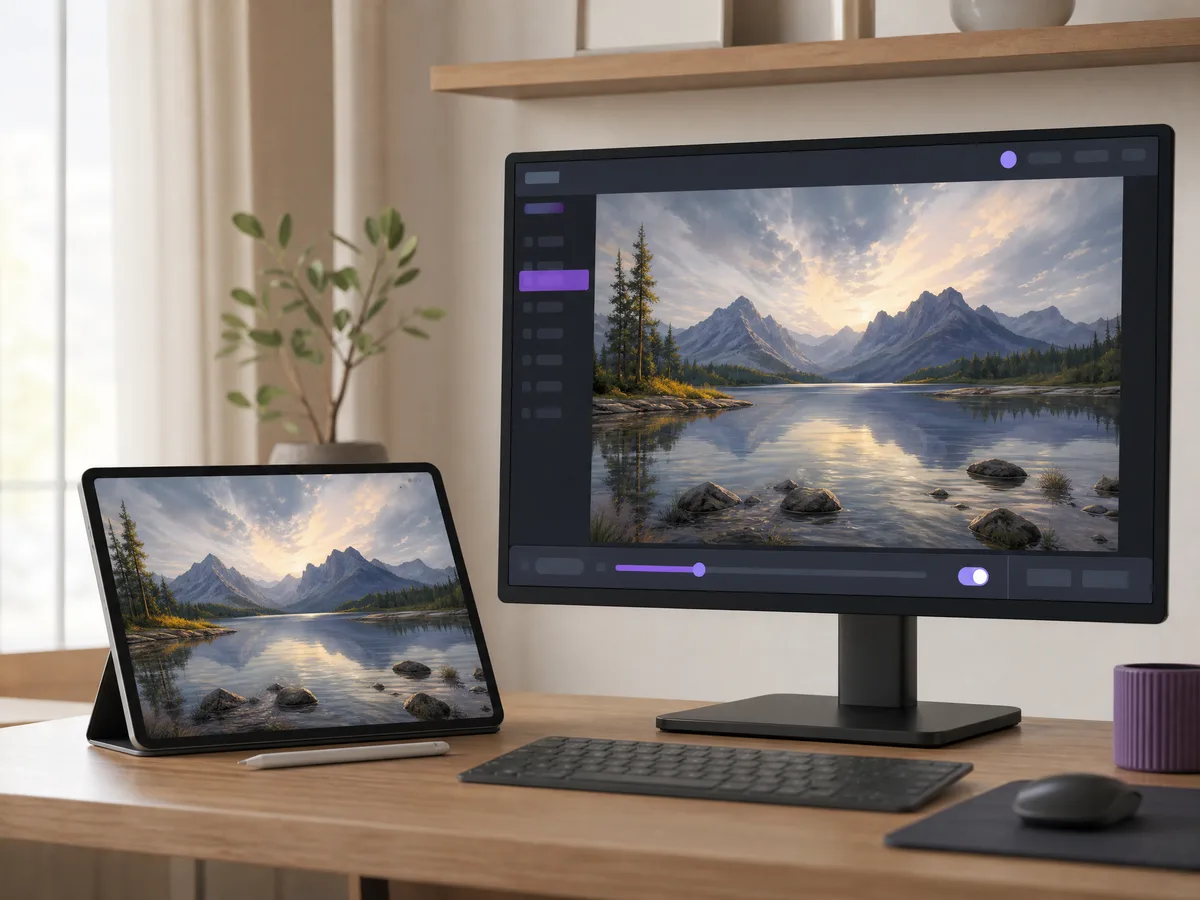
If you already generated an AI image, you can use it as a start frame and animate it into a more dynamic video result.
Create NowYou do not need animation software or editing skills. Upload an image, describe the motion, and let AI create the video for you.
Your uploaded image acts as the starting frame, helping the AI keep the main subject, style, and composition while adding motion.
Quickly try different camera moves, actions, moods, and scene directions from the same image without setting up a full video production workflow.
If a video generation fails, it does not cost credits. You can test different images and motion prompts with less risk.
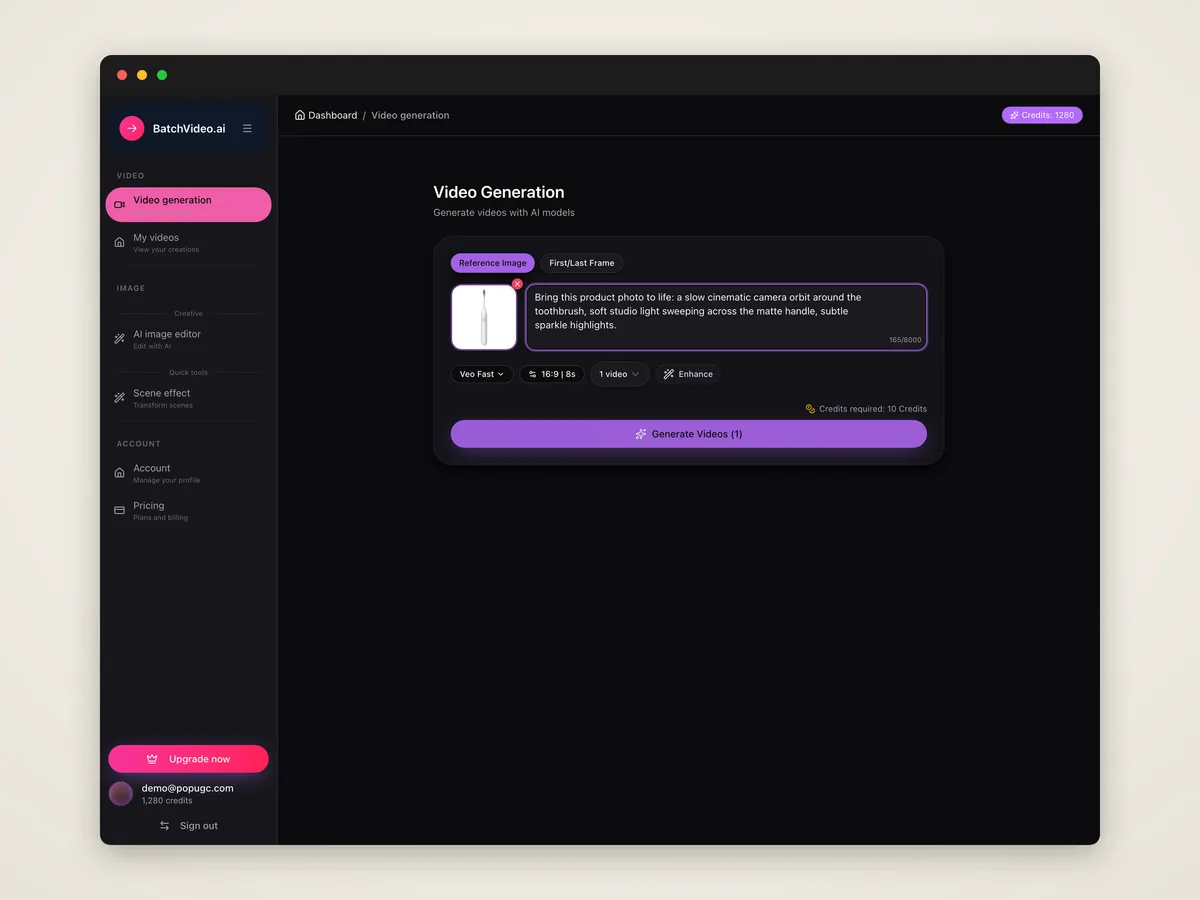
Choose the photo, picture, or AI-generated image you want to animate. This image becomes the visual starting point for your video.
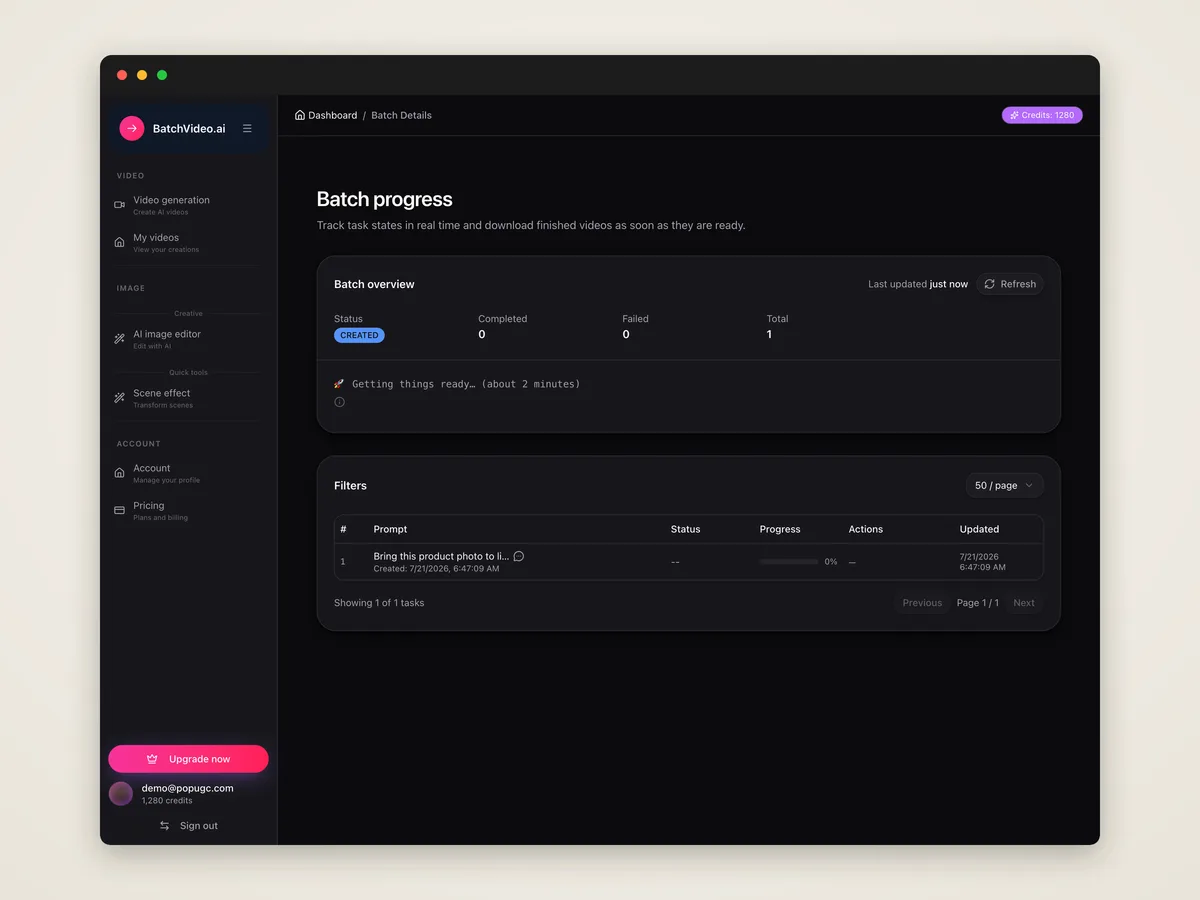
Describe the movement you want, such as camera zoom, subject motion, wind, lighting changes, facial expression, or cinematic atmosphere.
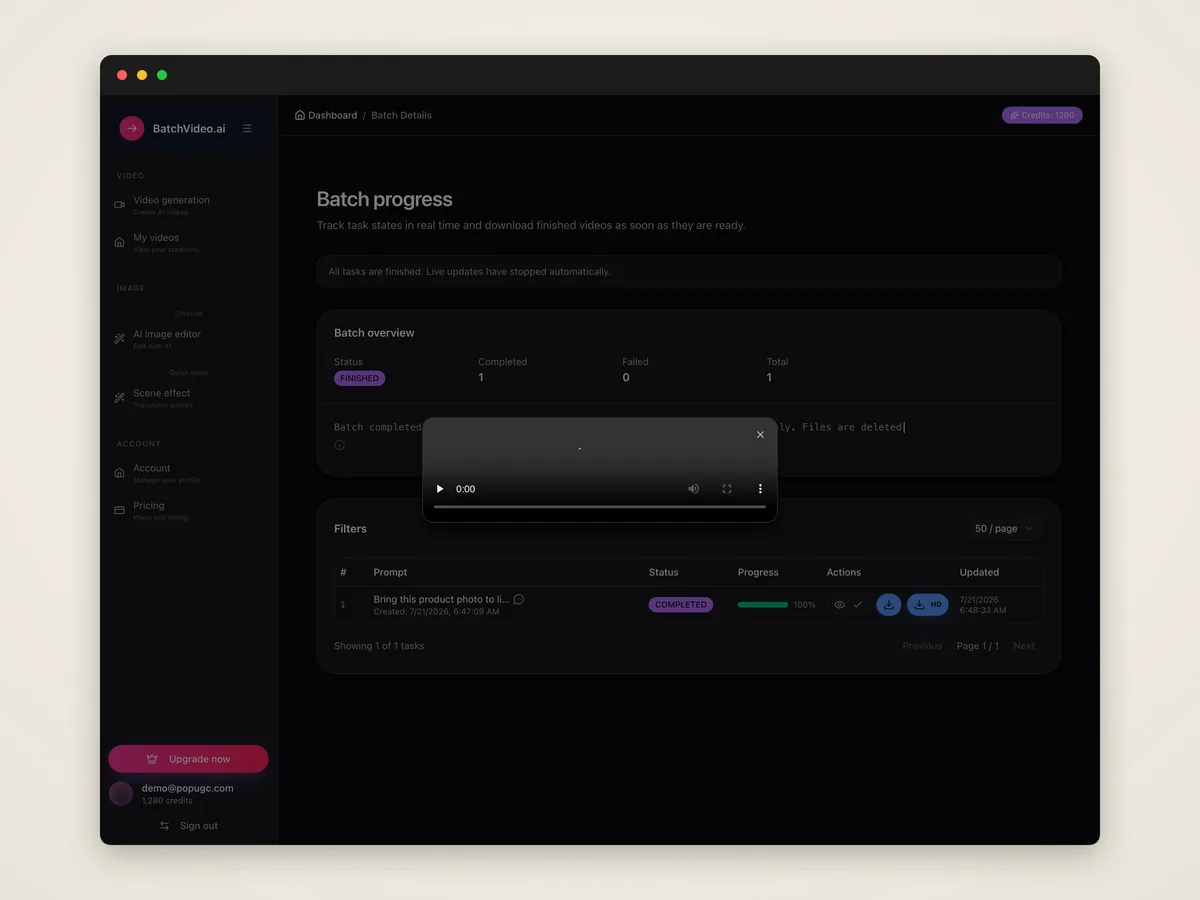
Click generate, preview the video result, refine your prompt if needed, then download the finished video clip for later use.
An AI image to video generator is a tool that turns a still image into a moving video. You upload an image, add a prompt, and AI creates motion from it.
Upload your image, write a prompt describing the motion or scene direction, then generate the video. The AI will animate the image based on your input.
Yes. You can use one photo as the starting frame and generate a short video with movement, camera motion, and visual effects.
Image to video starts from an uploaded image and adds motion to it. Text to video starts from a written prompt or script and generates the video from text.
Describe the motion you want, such as camera movement, subject action, background changes, lighting, mood, and any important details the AI should follow.
Yes. You can upload an AI-generated image and use image to video AI to turn it into a moving video clip.
Yes. The tool works for photos, pictures, and AI images. You can turn them into video clips with prompt-based motion.
Yes. After generation, you can preview the result and download the finished video file for editing, sharing, or content creation.
No. The tool is designed for users who want to create video from images without learning animation timelines or complex editing software.
No. Failed generations cost 0 credits. You only pay for successfully generated video results.
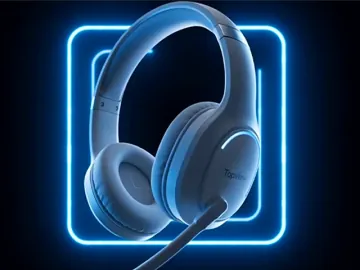
Upload a photo, describe your changes, and our AI image generator creates a new image fast.
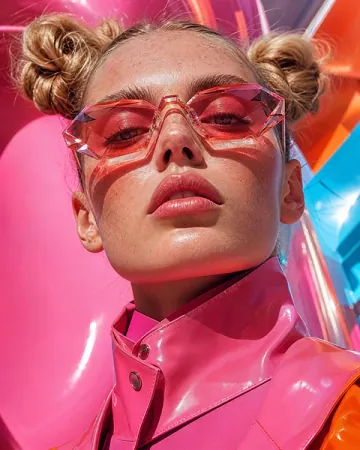
Describe your idea, and our AI image generator will create clear, downloadable images fast.
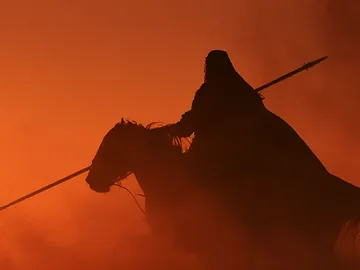
Enter a script or prompt, and our AI video generator turns text into a downloadable video.
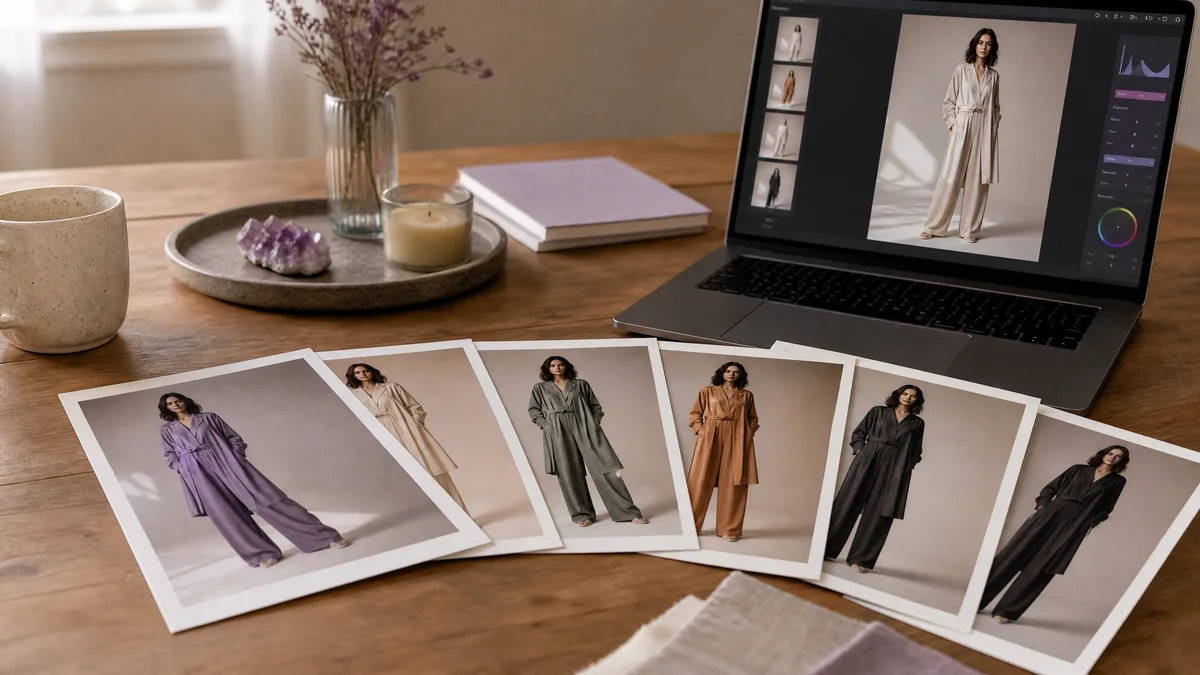
Image to image fashion work begins with the source photo, so these prompts protect the model, pose, garment silhouette, and camera angle before changing the...
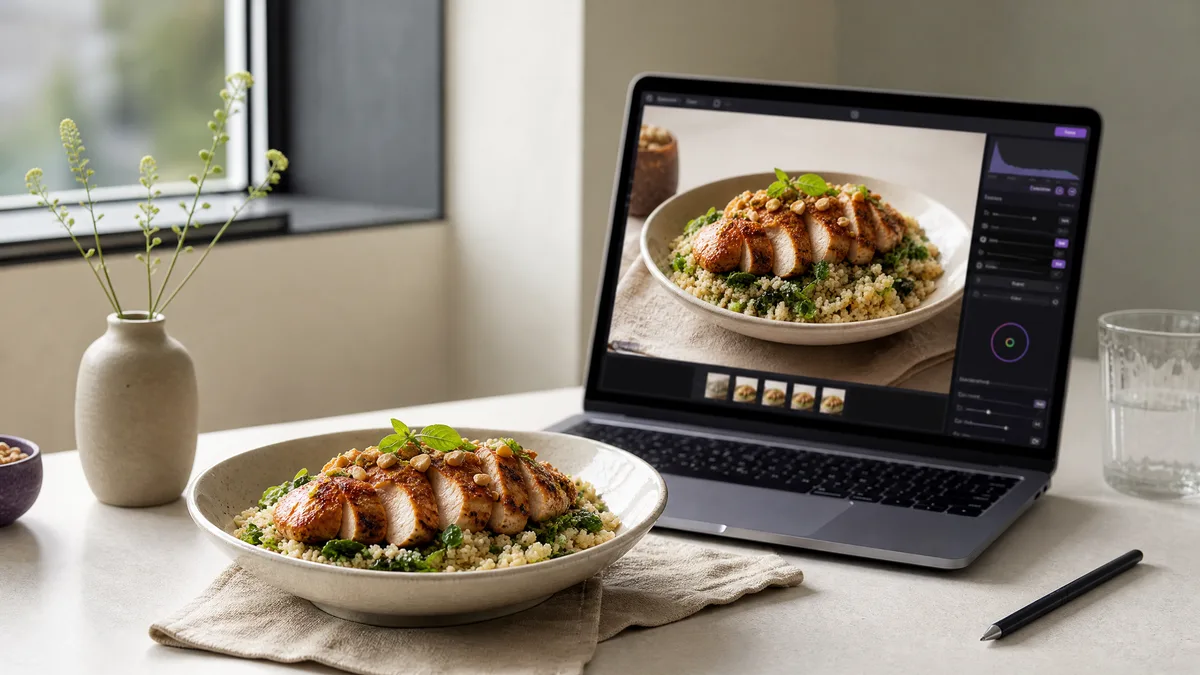
For food photo edits, the source image already defines the dish, portion, plate, and viewpoint. These image to image prompts preserve those essentials while...
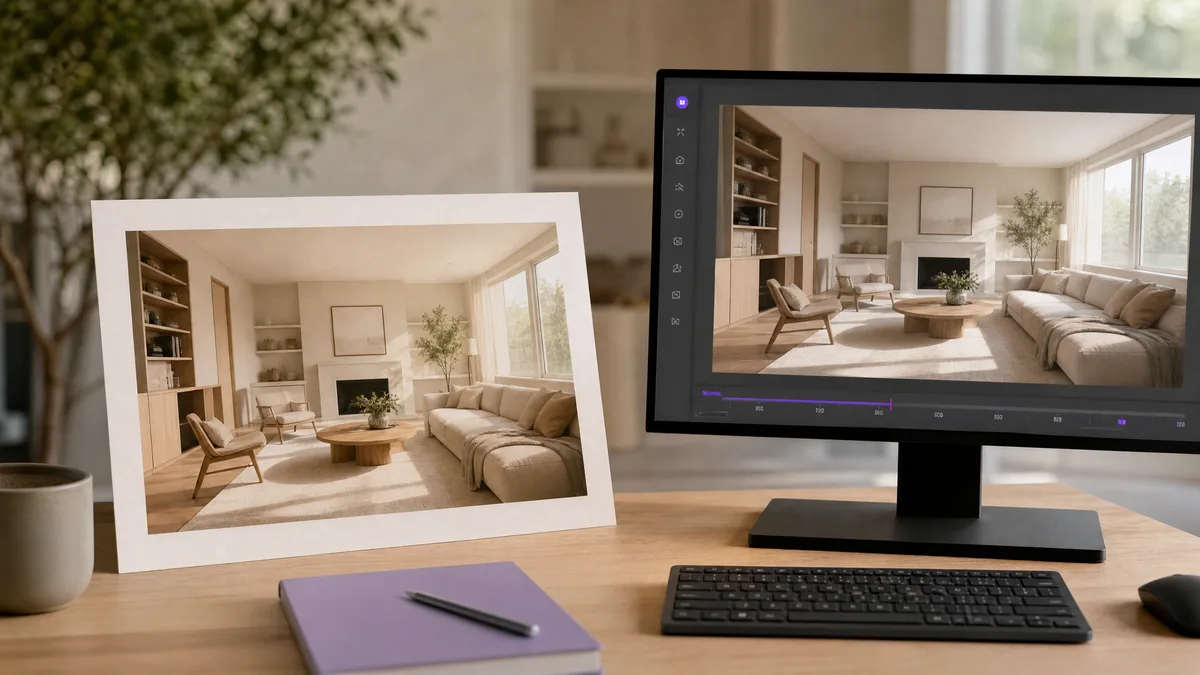
Architecture and interior source images benefit from restrained motion rather than structural rewrites. These image to video prompts preserve room layouts,...
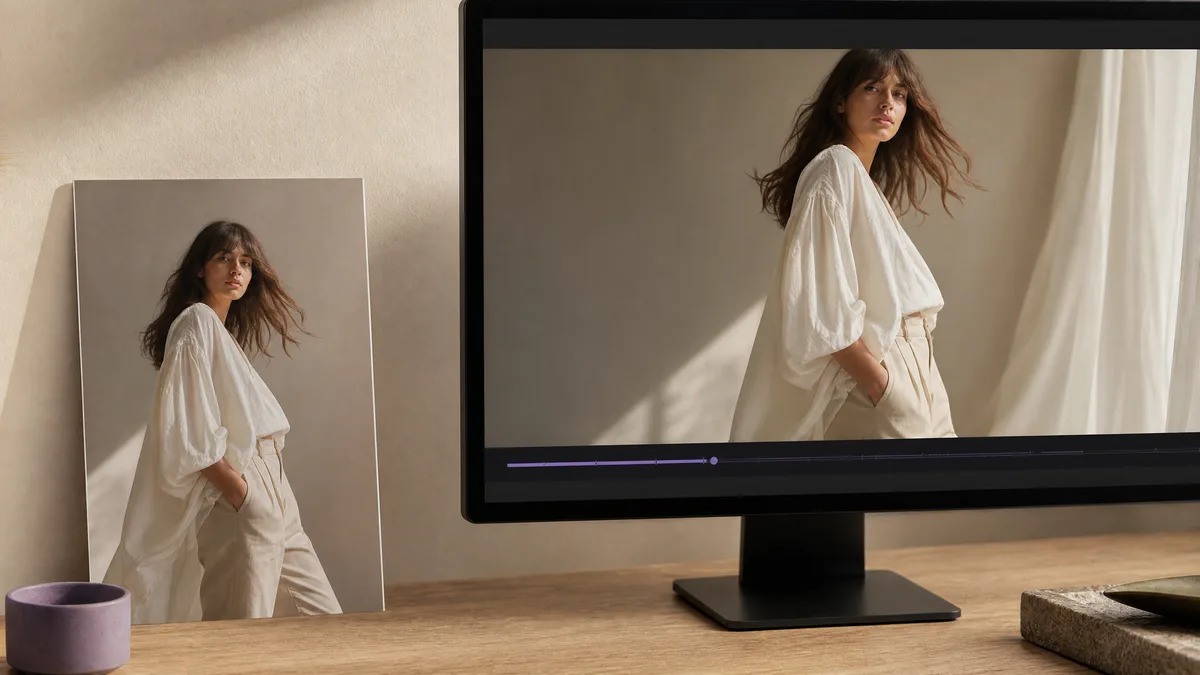
Fashion source images already contain the model, outfit, and editorial composition. These image to video prompts add restrained movement—fabric, posture,...
Header visuals need one clear idea, a wide composition, and usable negative space. These prompts work with text to image and AI image creator tools to...
Turn your idea into a video with just a prompt, instantly.
Get started →