Generate Videos from Text Prompts
Type a short idea, detailed prompt, or full script, and AI will turn your text into a structured video with matching visuals and motion.
Enter a script or prompt, and our AI video generator turns text into a downloadable video.
Type a short idea, detailed prompt, or full script, and AI will turn your text into a structured video with matching visuals and motion.
The AI reads your text, breaks it into scenes, builds a clear video flow, and helps your idea move from words to watchable content.
Create videos with AI-generated visuals, voiceovers, subtitles, sound, music, and scene pacing so the result feels more complete and ready to use.
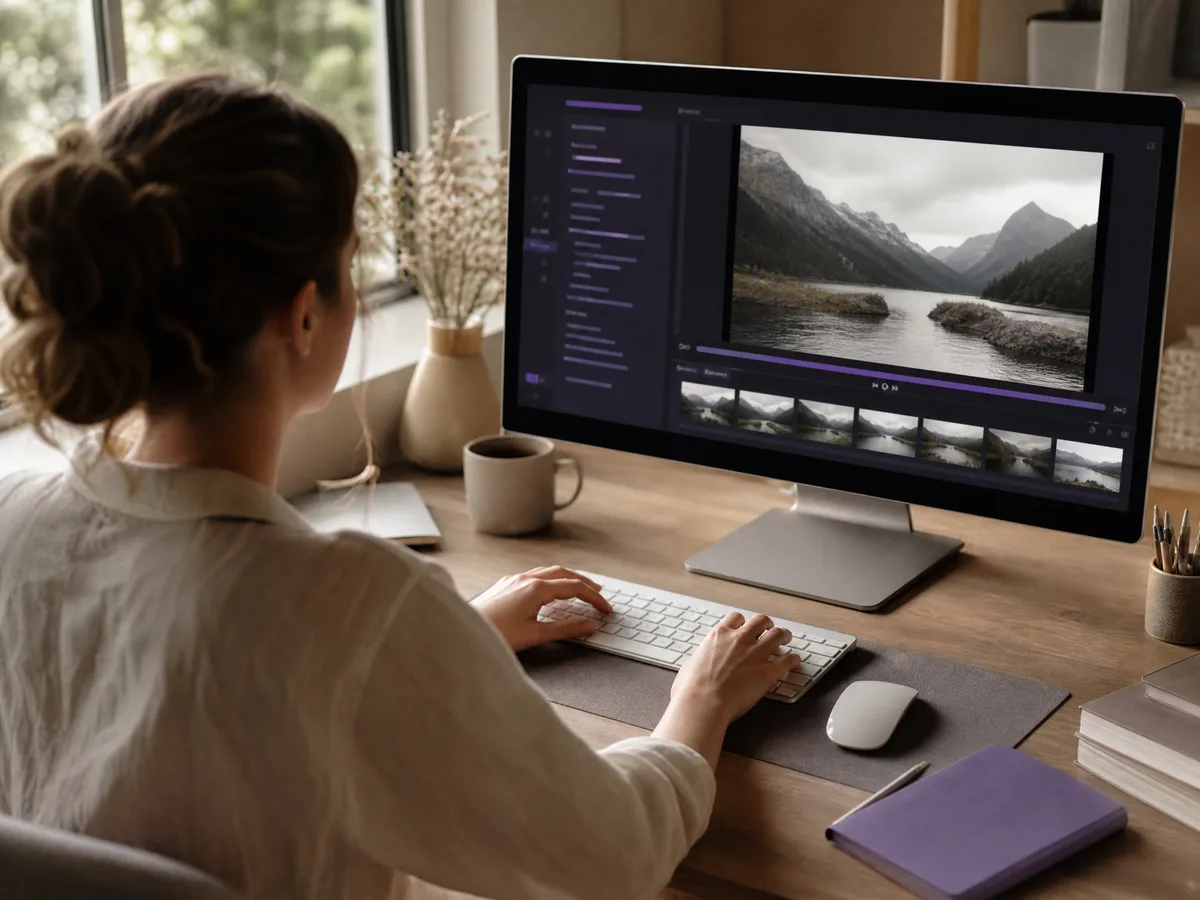
Start with a simple idea or prompt and quickly create a video draft, making it easier to test concepts before spending time on manual editing.
Create Now
Convert written explanations, instructions, lesson notes, or step-by-step content into videos that are easier to watch and understand.
Create Now
Use a script, paragraph, or text prompt to generate short videos for creative projects, presentations, social posts, or storytelling experiments.
Create Now
Describe a scene, character, action, camera direction, or mood, and use AI text to video generation to bring the idea into motion.
Create NowYou do not need timeline editing, filming, or production experience. Enter text, generate a video draft, and refine the result online.
Move from prompt, script, or idea to visuals, motion, audio, captions, and export in a single AI-powered workflow.
You can revise your text, adjust the scene direction, change the style, or regenerate sections until the video better matches your idea.
If a video generation fails, it does not cost credits. You can test different prompts, scripts, and video ideas with less risk.
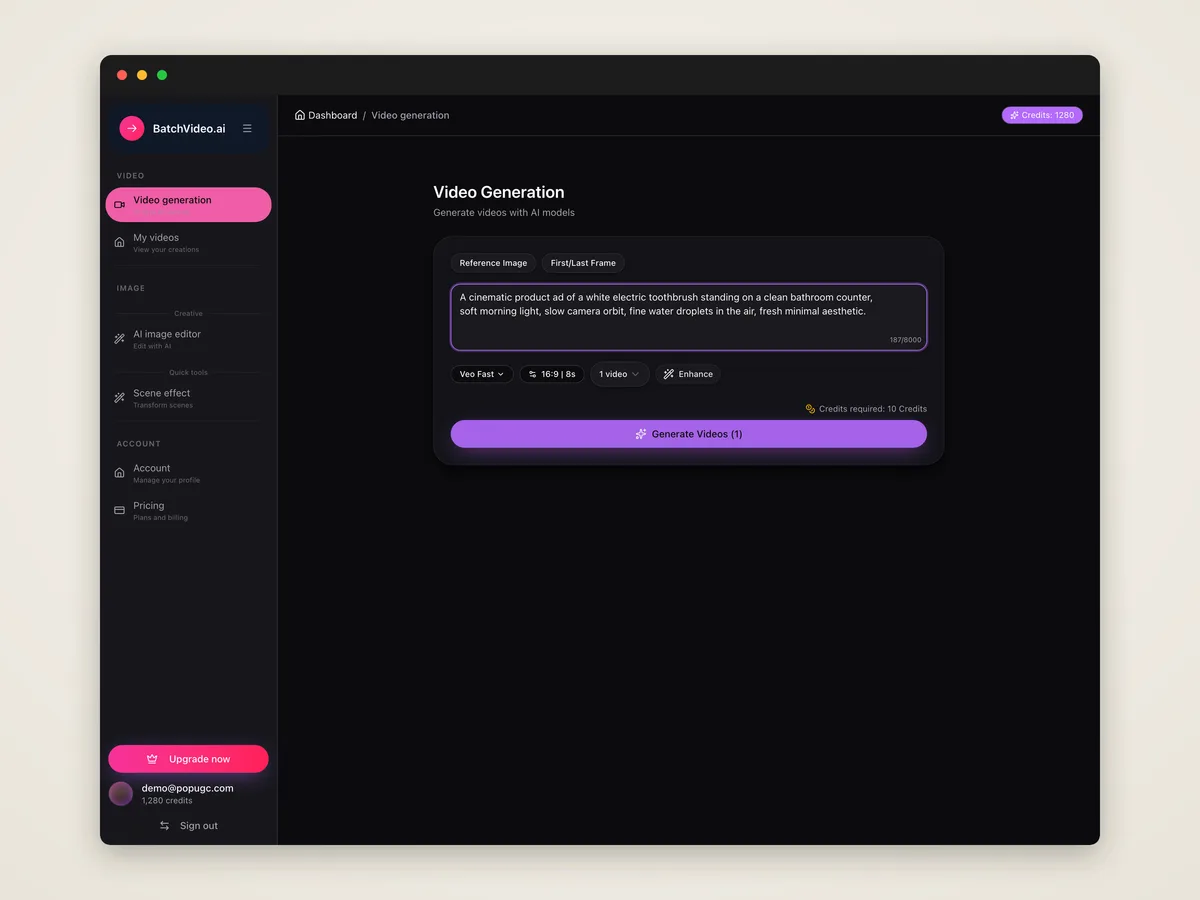
Write the video idea you want to create. You can use a short prompt, a detailed scene description, or a full script.
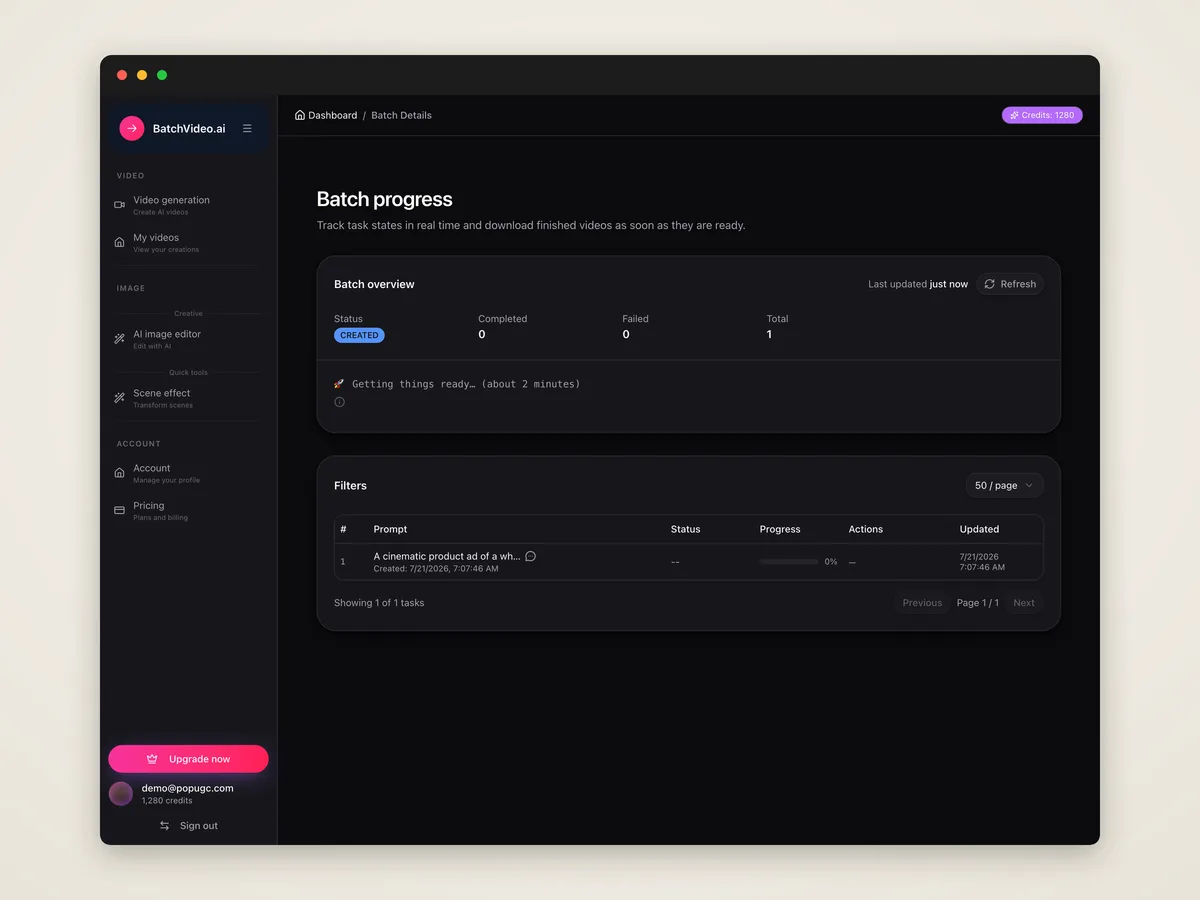
Click generate, and AI will turn your text into a video draft with scenes, visuals, motion, audio, and captions based on your input.
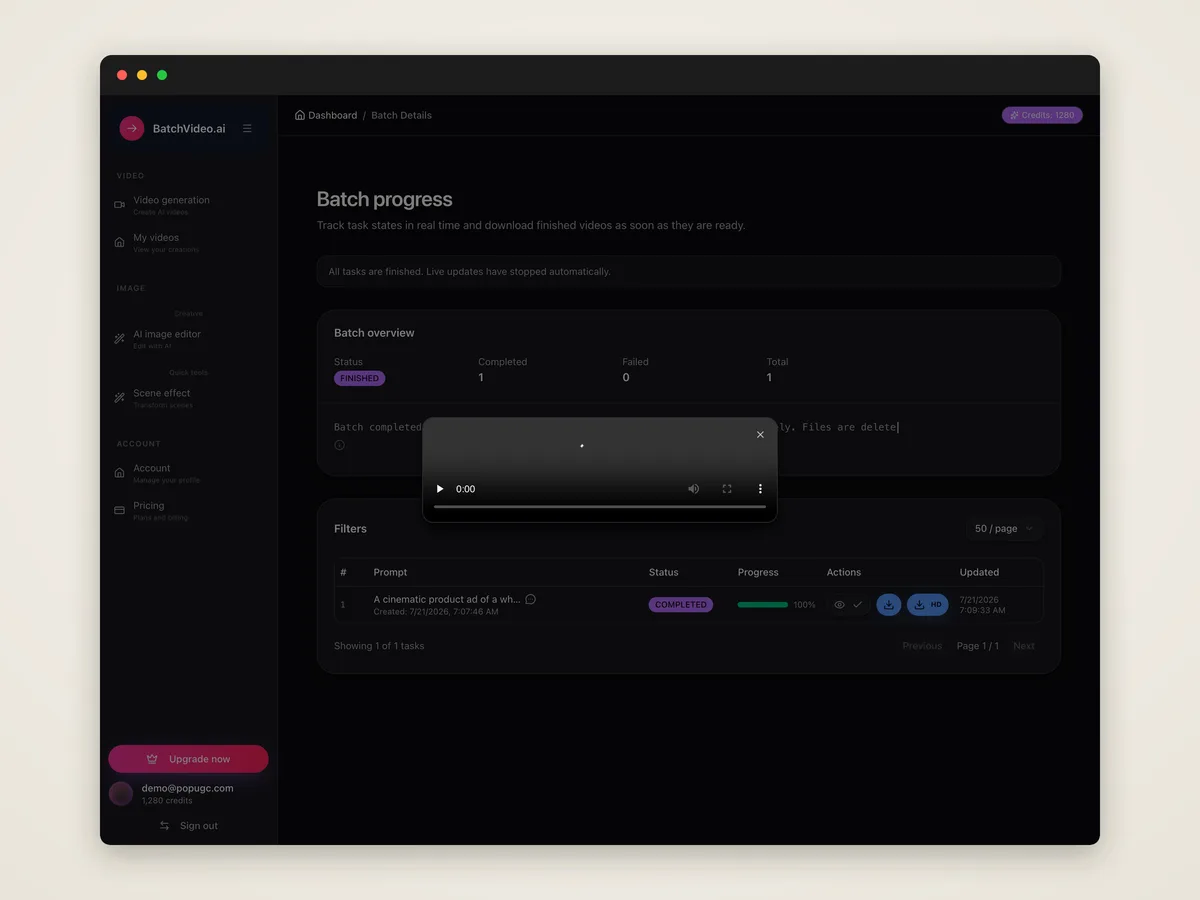
Review the generated video, adjust your prompt or style if needed, then download the final video for editing, sharing, or publishing.
An AI text to video generator is a tool that turns written text, prompts, or scripts into videos. You describe the idea, and AI creates a video from it.
Enter a script, prompt, or description, then click generate. The AI will create video scenes, visuals, motion, and other elements based on your text.
Yes. You can paste a script or write a structured idea, and the AI will use it to create a video draft with scenes and pacing.
Include the subject, scene, action, style, camera direction, mood, and any details you want the video to follow. More specific prompts usually give better results.
Yes. Depending on the video settings, the tool can help create videos with voiceovers, subtitles, sound, music, or other audio elements.
Yes. Text to video starts from written prompts or scripts, while image to video starts from an uploaded image and adds motion to it.
No. The tool is designed to help users create videos from text without learning complex editing software or production workflows.
Yes. You can revise your prompt, adjust the direction, regenerate results, or continue editing until the video is closer to what you want.
Yes. After generation, you can preview the video and download the final version for editing, sharing, or publishing.
No. Failed generations cost 0 credits. You only pay for successfully generated video results.
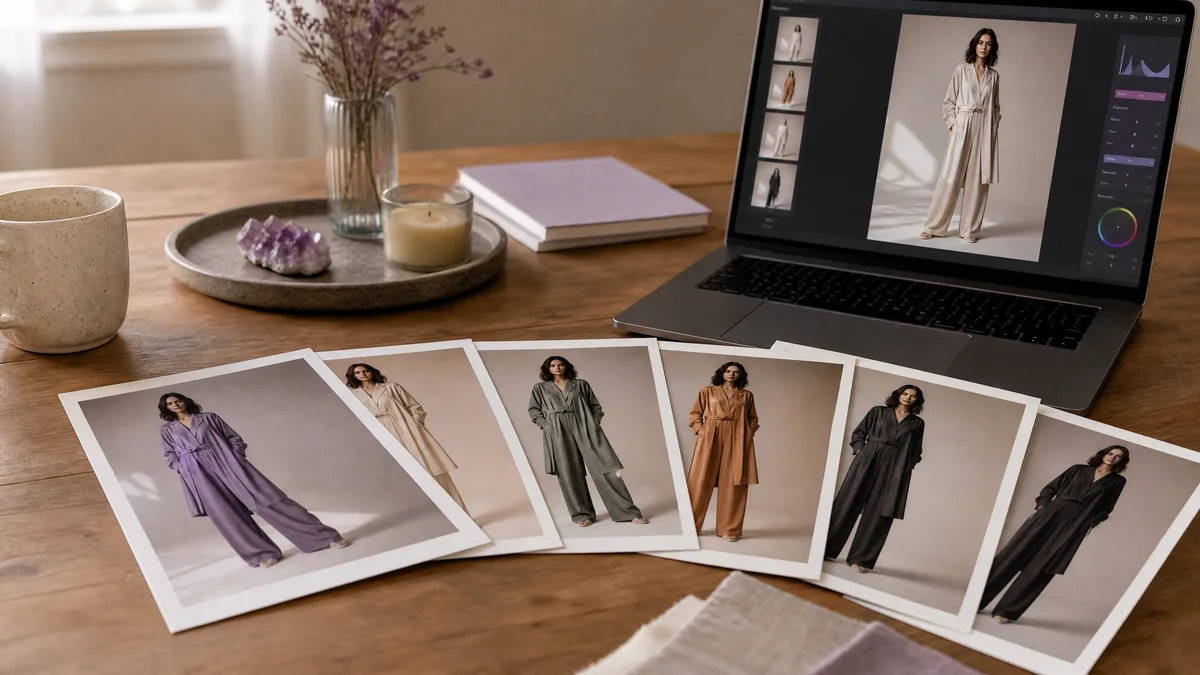
Image to image fashion work begins with the source photo, so these prompts protect the model, pose, garment silhouette, and camera angle before changing the...
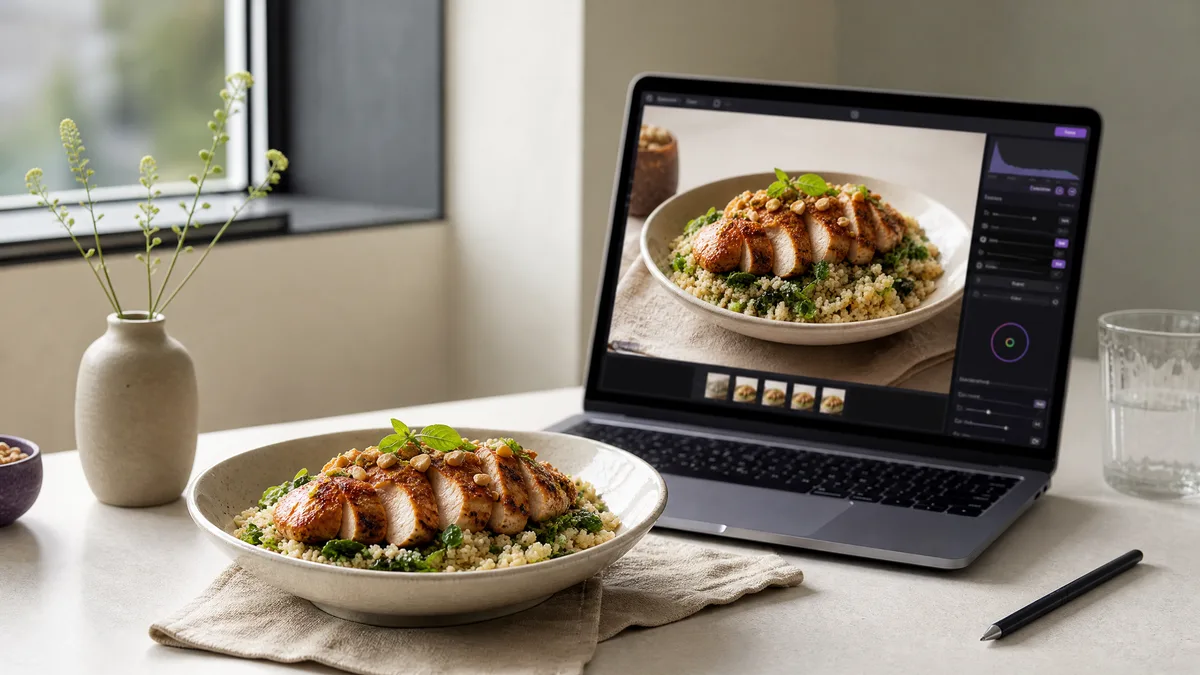
For food photo edits, the source image already defines the dish, portion, plate, and viewpoint. These image to image prompts preserve those essentials while...
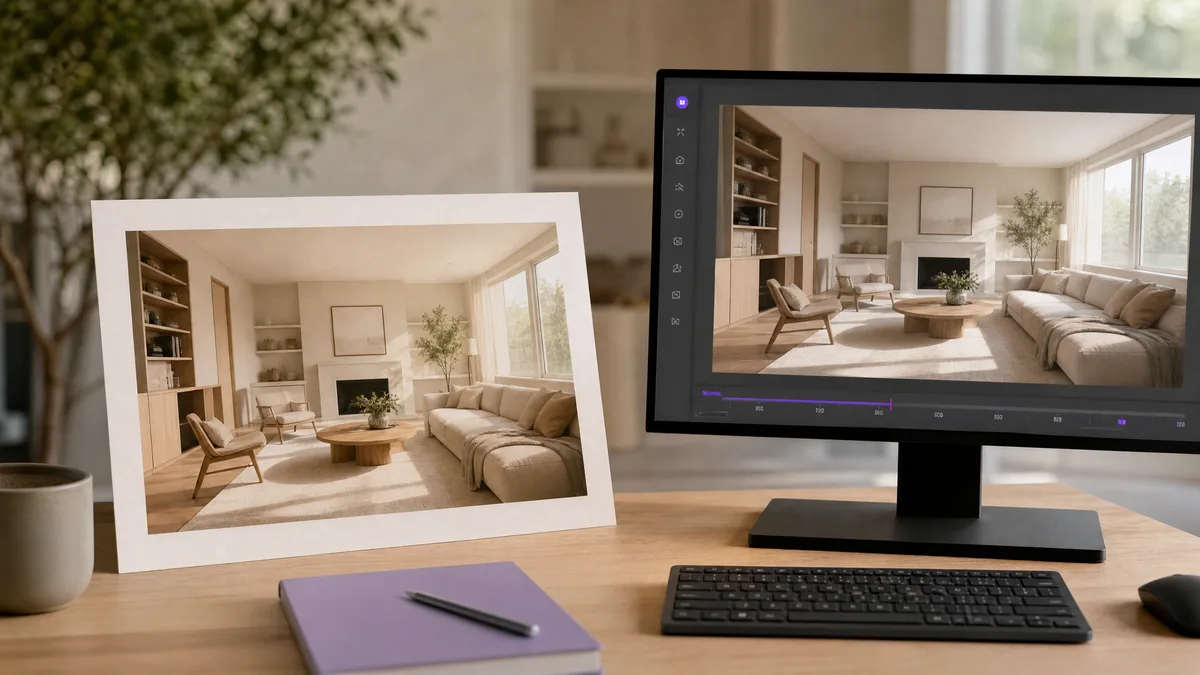
Architecture and interior source images benefit from restrained motion rather than structural rewrites. These image to video prompts preserve room layouts,...
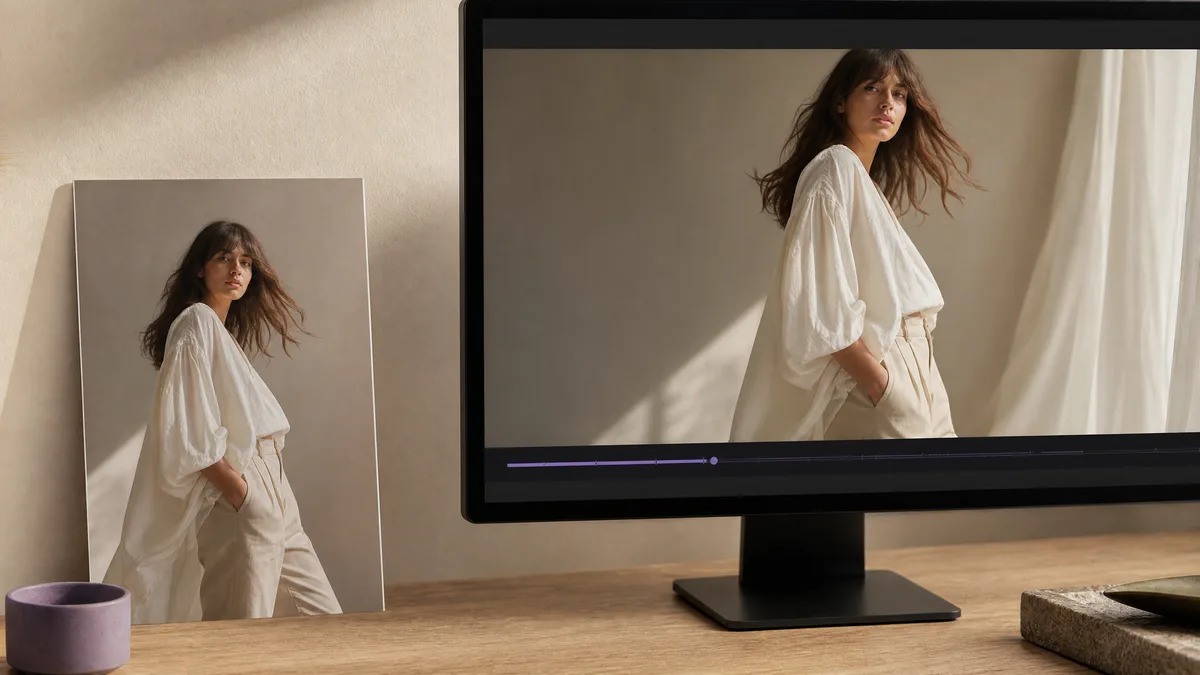
Fashion source images already contain the model, outfit, and editorial composition. These image to video prompts add restrained movement—fabric, posture,...
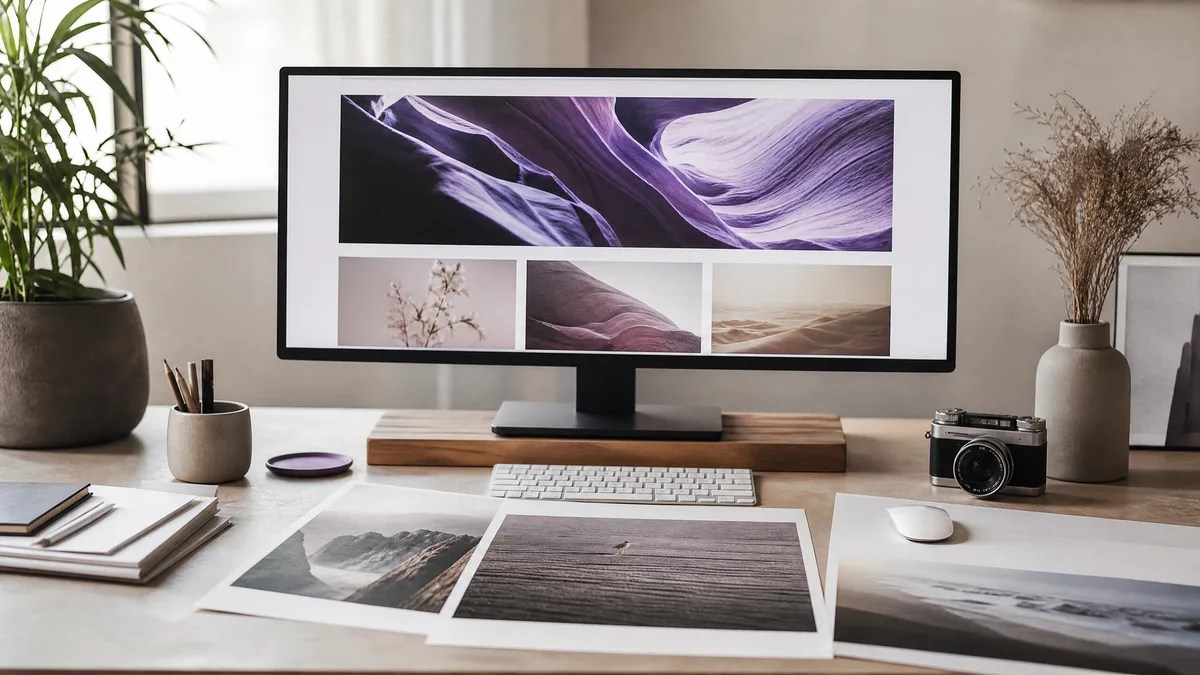
Header visuals need one clear idea, a wide composition, and usable negative space. These prompts work with text to image and AI image creator tools to...
Turn your idea into a video with just a prompt, instantly.
Get started →